Fill Properties (Excel / Word / PowerPoint)
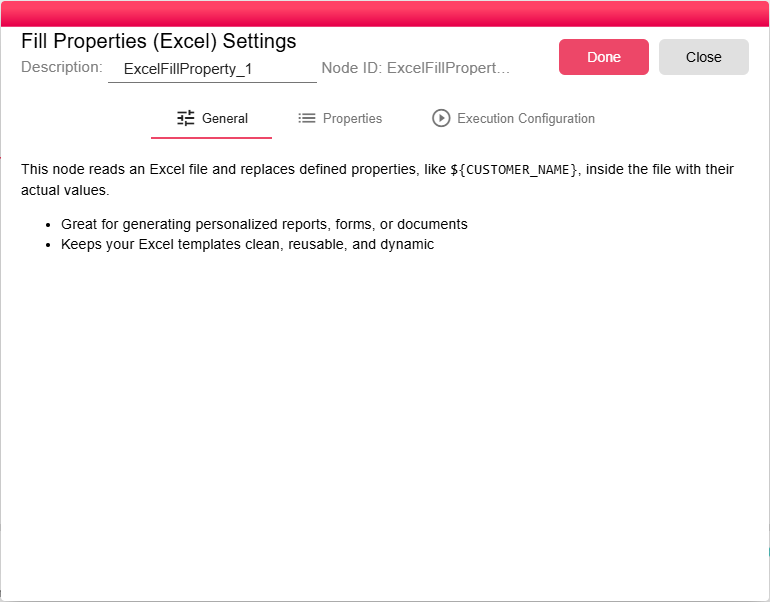
The Fill Properties nodes automatically replace placeholders embedded in Office documents with values from the current iteration and node properties, while preserving formatting. There are three variants — one for each supported document type:
- Fill Properties (Excel) – replaces placeholders in
.xlsxworkbooks. - Fill Properties (Word) – replaces placeholders in
.docxdocuments. - Fill Properties (PowerPoint) – replaces placeholders in
.pptxpresentations.
Each node accepts a single Office file of its corresponding type as input, performs the replacement, and emits the updated file.