Business Partners
Business partners represent the master data associated with a company — customers, suppliers, or any external organizations. Each business partner belongs to a company and can have multiple contacts linked to it through address books.
View Business Partners
Go to Contact Management → Business Partners and select a company to see its business partners.

The list shows all business partners registered for the selected company.
Add a Business Partner
Click + Business Partner to open the form.

Fill in the required fields and click Done to create the business partner.
The form shows the selected Company at the top (read-only). Choose the company from the toolbar before opening the form.
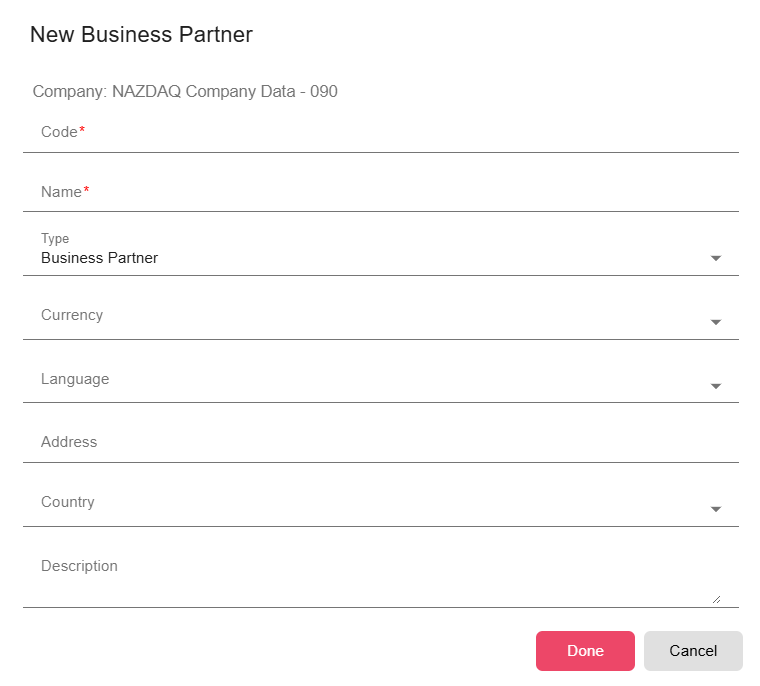
| Field | Description |
|---|---|
| Code | Unique identifier for this business partner per company and type (required). Automatically converted to uppercase. Must be unique per company and type — typically the same code used in the ERP system (for example, a customer or supplier number). |
| Name | Display name of the business partner (required). Must be unique within the company. |
| Type | Category of business partner: Business Partner, Customer, or Supplier. The type affects how the code uniqueness is validated. |
| Currency | Default currency for this business partner. Options come from Common Data → Currencies. |
| Language | Default language for documents sent to this business partner. |
| Address | The business partner's registered address (used in document generation). |
| Country | Country associated with this business partner. |
| Description | Optional notes about this business partner. |
Link Contacts to a Business Partner
Business partners can be linked to contacts. In the business partner list, click Links on a row to open the contact linking screen and associate one or more contacts with that business partner.
Edit a Business Partner
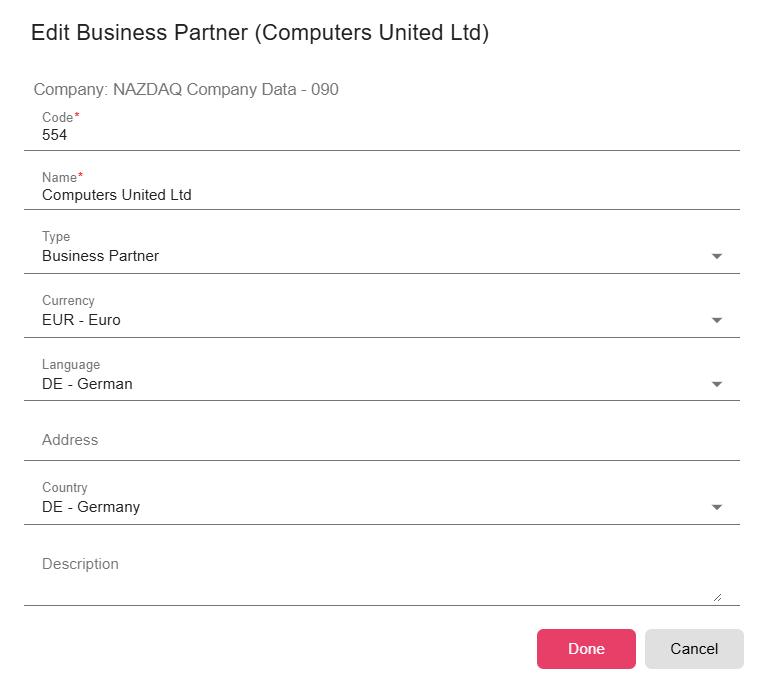
To update an existing business partner, click the Edit button in the actions column of the list.

Deleting a Business Partner
Business partners with linked contacts or active address book entries cannot be deleted without first removing those links.