Labels
Labels are tags you assign to workflows to organize them and filter the Workflow Manager list. A workflow can have any number of labels.
Assigning Labels
Labels can be added or modified in two places:
- Workflow Settings → Labels tab — Open a workflow in the builder, click the Settings icon, and go to the Labels tab. See Labels.
- Workflow Manager — Labels can be set when creating a workflow.
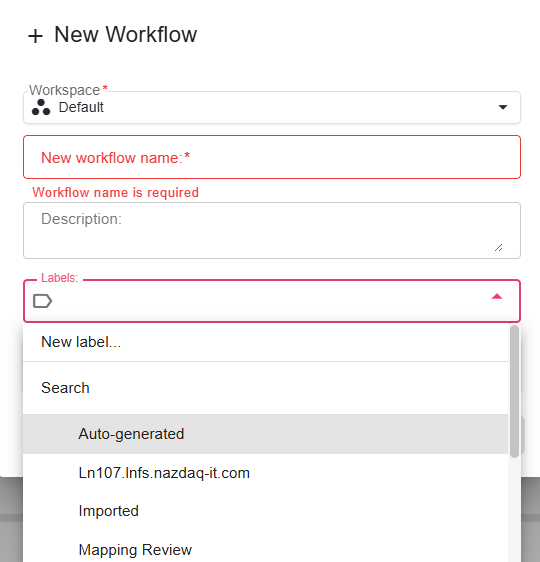
Filtering by Label in the Manager
In the Workflow Manager, use the Labels filter at the top of the Development tab to show only workflows with a specific label.
Example — filtering workflows by the label "Test Label":

Only workflows that have the selected label assigned will appear in the list. Select "All" to clear the label filter and show all workflows.
Use Cases
- Environment tags — Label workflows
production-ready,in-development, ordeprecatedto communicate their status at a glance. - Team or project tags — Group workflows by team (
finance,logistics) or project to make the Manager more navigable in large deployments.