Archive Compressor
Overview
The Archive Compressor node compresses one or more files into a single archive (ZIP) file. Use it to bundle multiple files before sending them as a single email attachment, uploading them to a server, or reducing storage size.
Purpose
Use Archive Compressor when several generated files need to travel through the workflow as one file.
Configuration
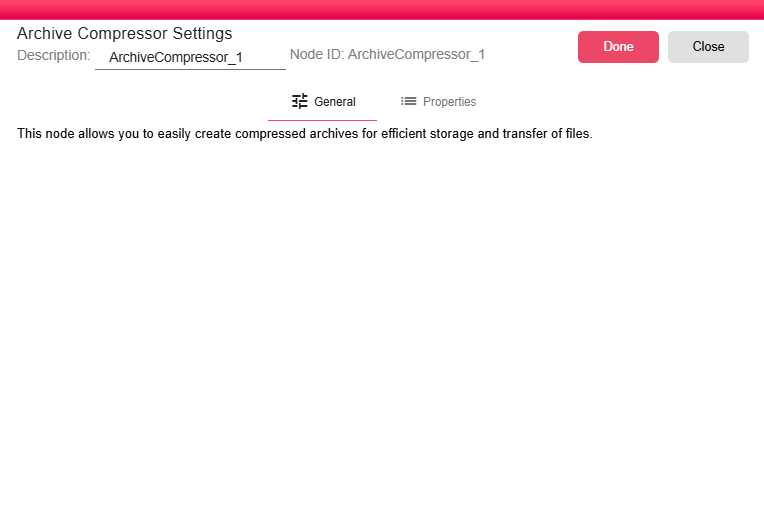
This node has no editable configuration fields. The dialog displays a short description of the node behavior.
Inputs
| Input | Data Type | Input Type | Description |
|---|---|---|---|
| Input | NodeFile | Multiple | One or more NodeFile inputs connected to the Input port. |
Outputs
| Output | Data Type | Collection | Description |
|---|---|---|---|
| Output | NodeFile | False | A NodeFile containing the generated .zip archive. |
Processing Logic
The node collects every connected input file, keeps each file's computed name inside the archive, creates a .zip file in the working directory, and emits the archive as a NodeFile.
Examples
To include multiple files in one archive:
- Connect multiple upstream file-producing nodes to the Archive Compressor.
- All connected files are included in the output
.ziparchive. - Send the archive to a destination node, such as email, SFTP, or B2Win storage.
Common use cases include:
- Bundling multiple generated reports into a single ZIP for email distribution.
- Compressing large files before uploading them to FTP/SFTP.
- Creating an archive of related documents for audit or retention.
Notes / Limitations
- The archive format is always ZIP.
- The output archive name is generated from the iteration and node ID.
- All files are placed at the archive root using their computed names.
- The original files remain available as separate outputs from their source nodes for other downstream branches.