Input-Form Node
Overview
The Input-Form trigger lets a workflow collect values from an end user before a new iteration starts. It uses a dedicated InputForm UI dialog.
Purpose
Use this trigger when a workflow published needs user-provided parameters, runtime options, download selections, or launch settings before execution.
Configuration
| Area | Description |
|---|---|
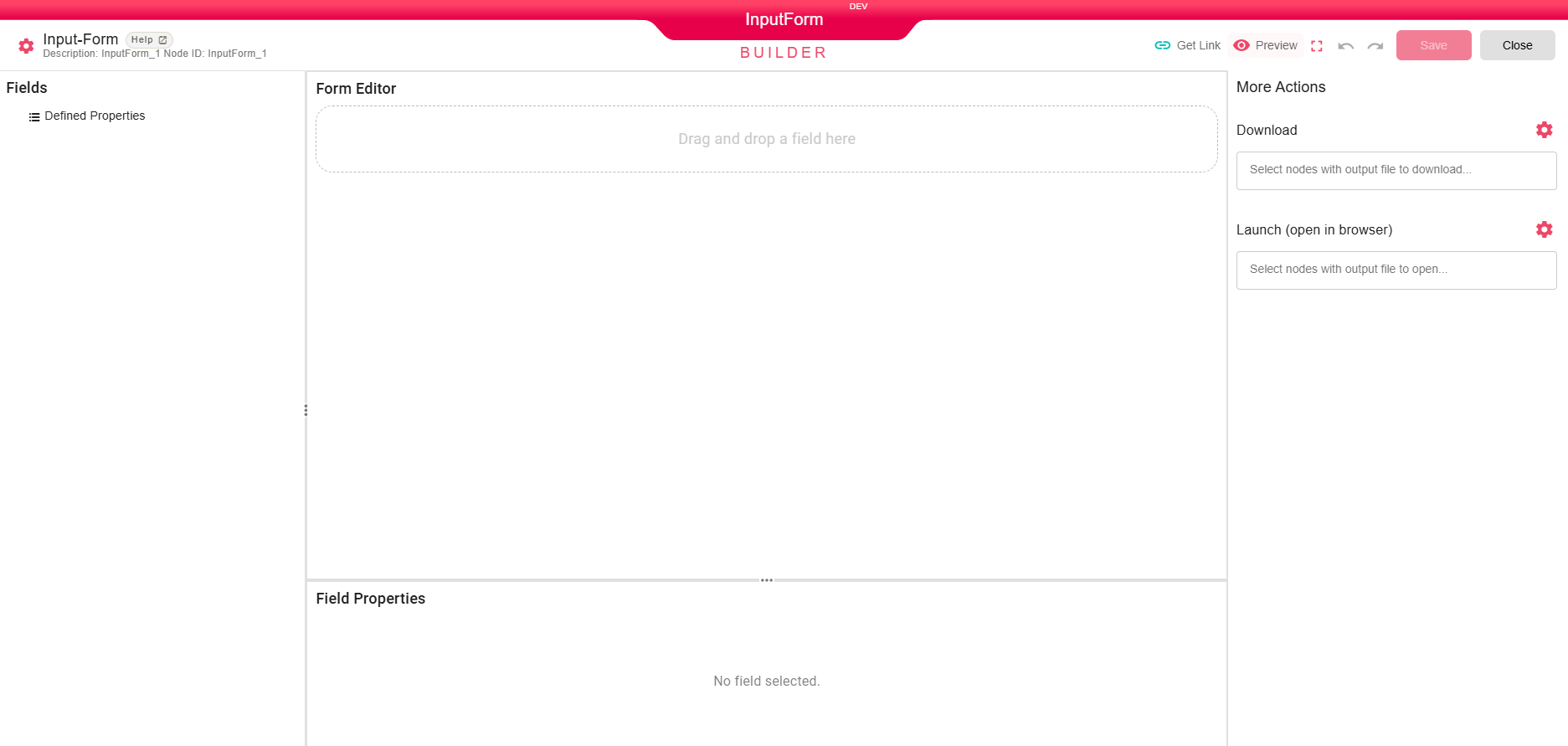
| Fields | Lists node fields that can be added to the input form. |
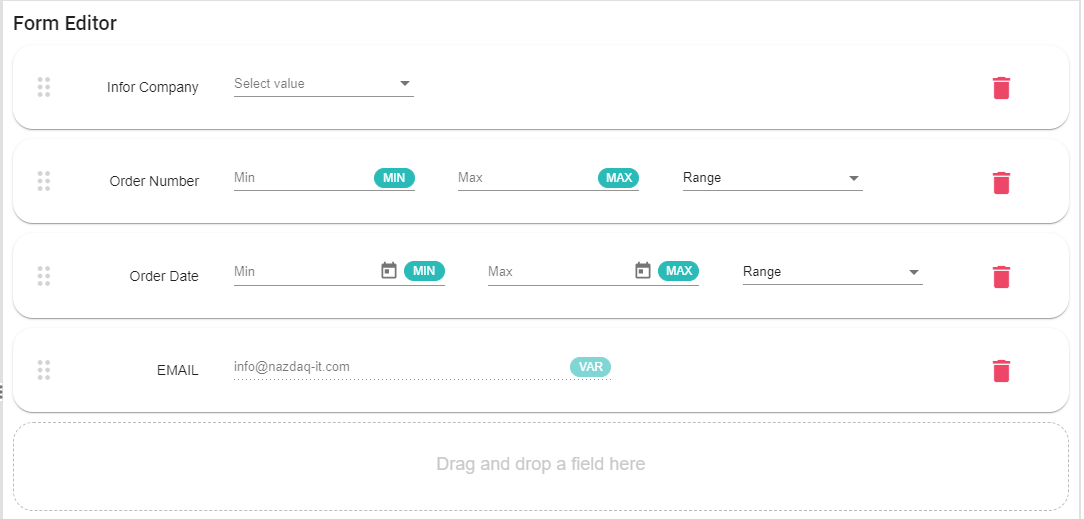
| Form Editor | Drag fields into the form and adjust defaults where supported. |
| Field Properties | Configure the selected field label, help text, and required status. |
| More Actions | Configure download and launch behavior for selected output files. |

For downloads, select the output nodes that should be available to the user. Use the gear option to choose whether downloaded files are compressed.


For launch actions, select the output nodes that should open after execution. Use the gear option to choose whether files open in the browser or through the B2Win Suite Desktop Client.


Processing Logic
When the user opens the published workflow or report, the Input-Form UI collects configured values before the iteration starts. The backend trigger is reactive and is invoked by the input form workflow launch path.
Examples
Use an input form to ask for a date range, customer code, or report delivery option before running a reporting workflow.
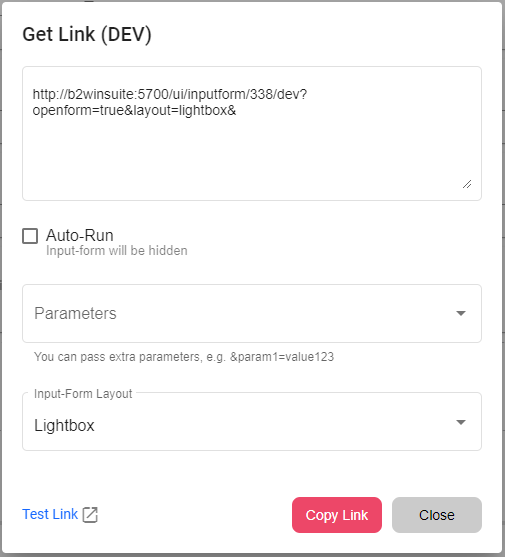
To launch the workflow from another application, use Get Link to generate a URL for the input form.
Notes / Limitations
- The form design is managed in the custom InputForm editor, not by a JSON form file.
- The trigger does not output a file or DataFrame by itself.