Tutorial
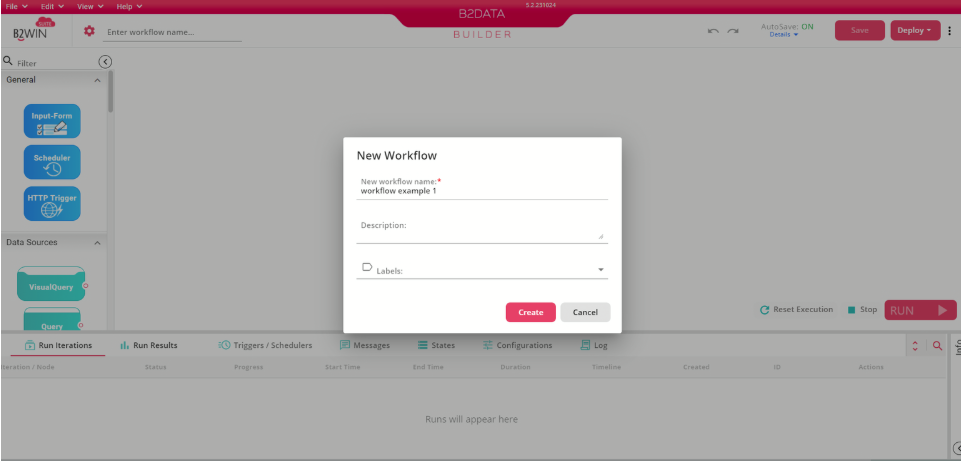
Step 1: Create a Workflow
Create a new workflow in your B2Win Suite environment.
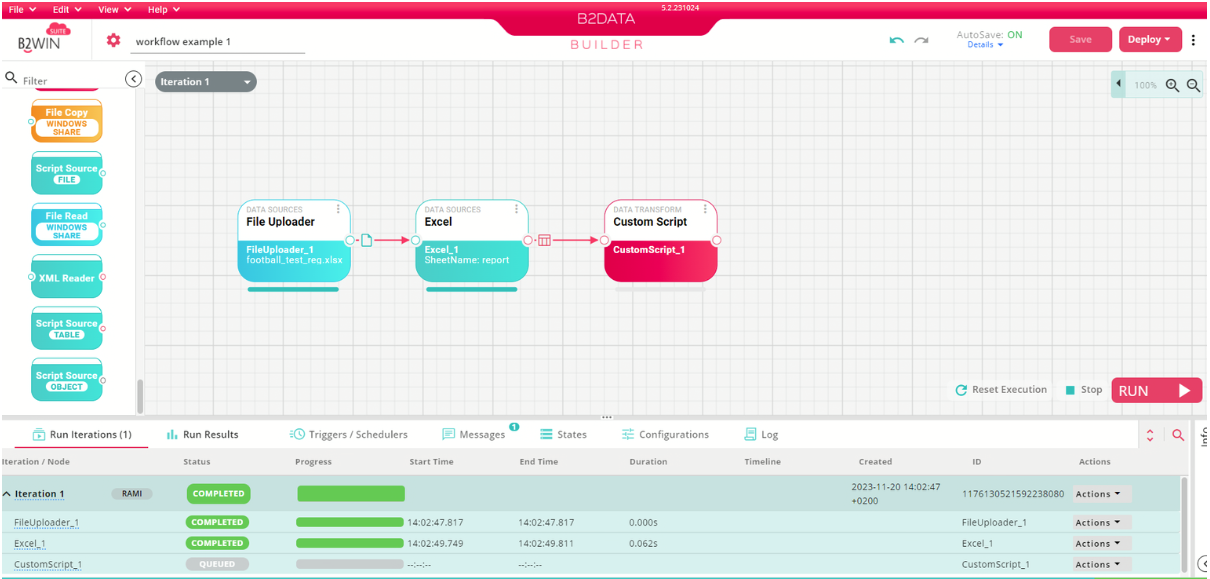
Step 2: Add Nodes
From the node panel on the left, drag nodes onto the canvas to build your workflow. Nodes that support scripting include Custom Script and If-Else Condition (see Script Nodes).
Step 3: Write a Script
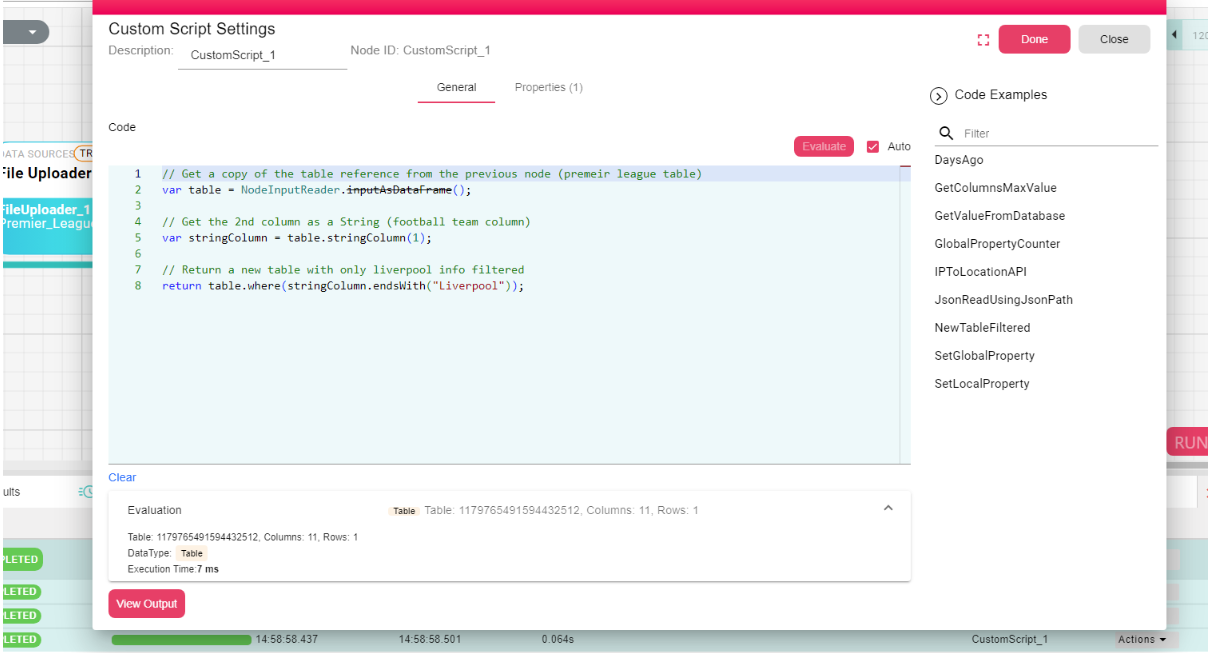
Double-click a Custom Script node to open the FlowCode Editor. Use the scripting language to transform or process your data.
For example, filter a table to return only rows matching a specific team:
// Get the table from the previous node
var table = NodeInputReader.inputAsDataFrame();

// Get the 2nd column as a String column
var stringColumn = table.stringColumn(1);

// Return only rows where the value ends with "Liverpool"
return table.where(stringColumn.endsWith("Liverpool"));
For the full language reference, see the Scripting Overview.