Services Configuration
Overview
Services Configuration is the administrator area for creating and managing global service configurations. These configurations store shared connection details and define what users may see or override in My Services.
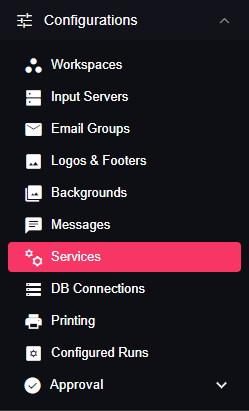
Open it from Configurations > Services.
Purpose
Use Services Configuration to:
- Create reusable service configurations for workflows and nodes.
- Store shared credentials, endpoints, and credential files.
- Test service connectivity when the service supports it.
- Control whether users can override service values.
- Decide which fields users can view or edit in My Services.
Creating a Service Configuration
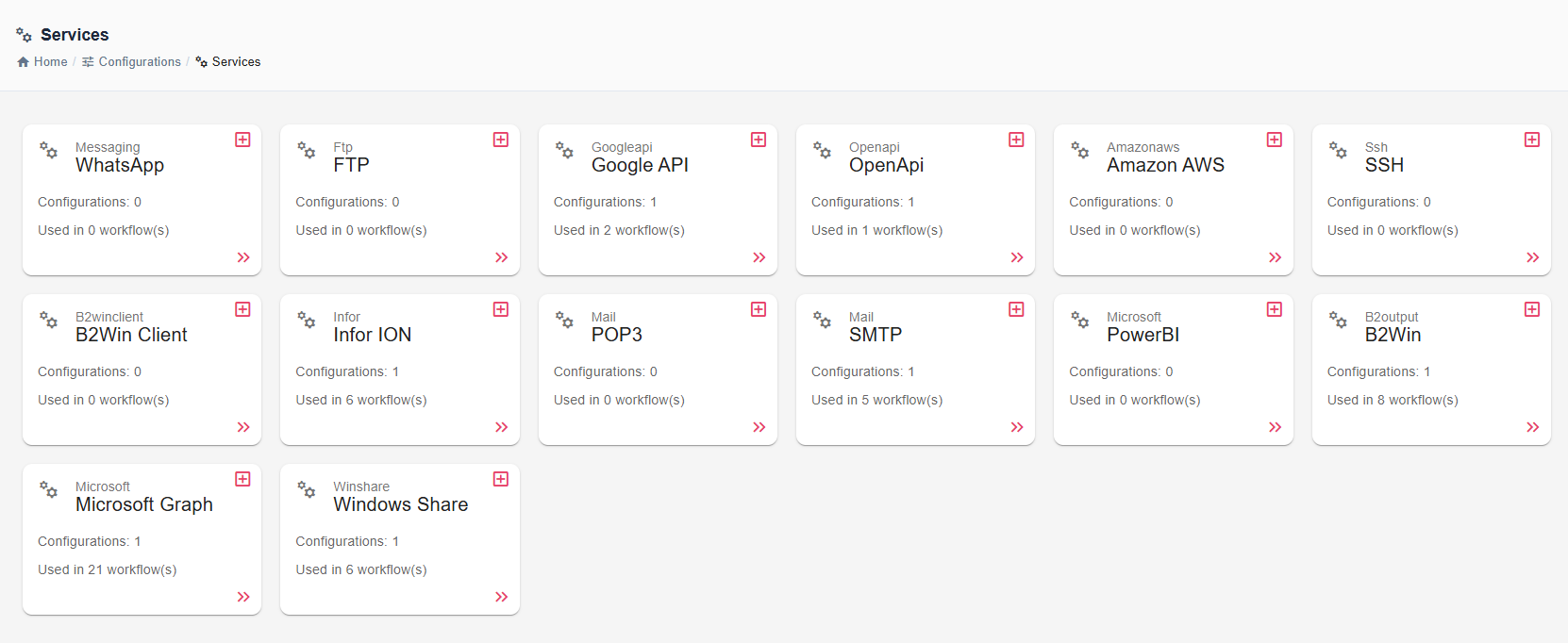
Select a service type from the services list, then create a new configuration or edit an existing one.
Common fields are available for most service configurations:
| Field | Description |
|---|---|
| Name | Display name shown when users select the service in nodes or My Services. |
| Description | Optional note that explains the purpose or target environment. |
| Service Override Type | Controls whether users can create personal values for the service. |
| Service-specific fields | Connection values defined by the service form, such as host, port, OAuth tenant, credential file, or API authentication settings. |
Individual service pages under Service Integrations list the service-specific fields.
Service Override Type
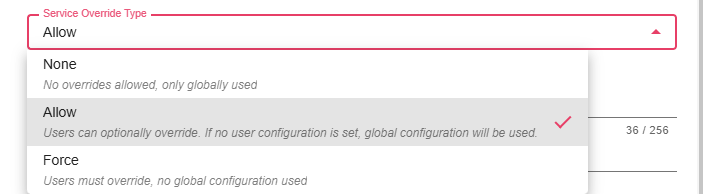
Service Override Type controls whether users can configure personal values in Me > My Services.
| Type | User Behavior | Typical Use |
|---|---|---|
| None | Users use the global configuration only. They do not provide personal values. | Shared service accounts, shared file shares, shared API keys. |
| Allow | Users may provide personal values, but can fall back to the global configuration. | Optional personal credentials or environment-specific overrides. |
| Force | Users must provide personal values before the service can be used for them. | Per-user OAuth accounts, personal mailboxes, or credentials that must not be shared. |
Field Permissions
Field permissions control each service-specific field in My Services.
| Permission | User Behavior | Typical Use |
|---|---|---|
| Hidden | The user cannot see the field or its global value. | Secrets or fields that should remain administrator-only. |
| Read-only | The user can see the value but cannot change it. | Shared endpoint, host, tenant, or non-secret connection metadata. |
| Overridable | The user can provide their own value. | Usernames, passwords, OAuth credentials, or personal folders. |
Actions
| Action | Description |
|---|---|
| Authorize | Starts OAuth authentication for services that support OAuth, such as Microsoft Graph and Google API. |
| Test Connection | Verifies the current configuration for services that expose test connection behavior. |
| Save | Stores the service configuration and permission settings. |
Notes / Limitations
- Service forms are defined by each service plugin, so available fields differ by service type.
- Some services support OAuth authorization but may not expose Test Connection in the UI.
- User-visible behavior depends on both Service Override Type and each field's permission.
- For the user perspective, see My Services.