Labels
Labels are tags you can attach to a workflow for organization and filtering purposes. They appear in the Workflow Manager and can be used to filter the workflow list by category, team, or any other grouping that makes sense for your organization.
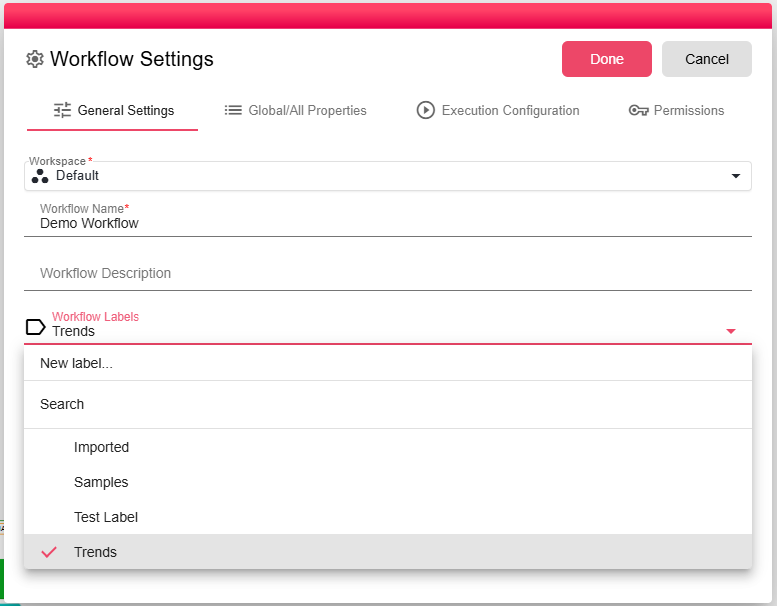
Adding Labels
To add a label, select an existing label from the dropdown list.
To create a new label, click the Create New Label button.
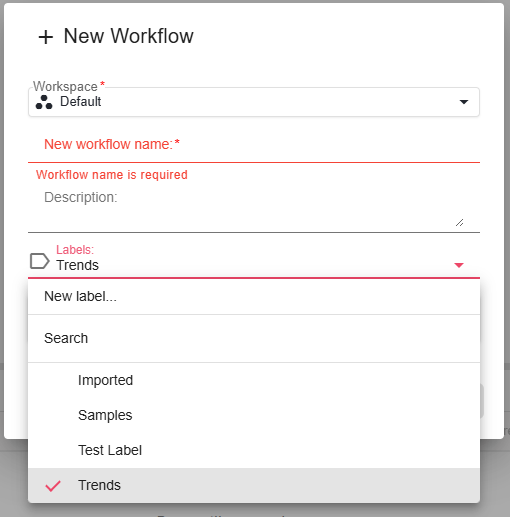
Multiple labels can be added to a single workflow.
Removing Labels
To remove a label, simply click it again to deselect it.
Using Labels in the Workflow Manager
In the Workflow Manager, use the Filter by Label dropdown to show only workflows that have a specific label assigned. This is useful when you manage many workflows and want to quickly find workflows related to a specific area.