Main
The Main tab contains the core identity settings for a workflow. To open workflow settings, click the Settings icon in the builder header.

The settings dialog opens:
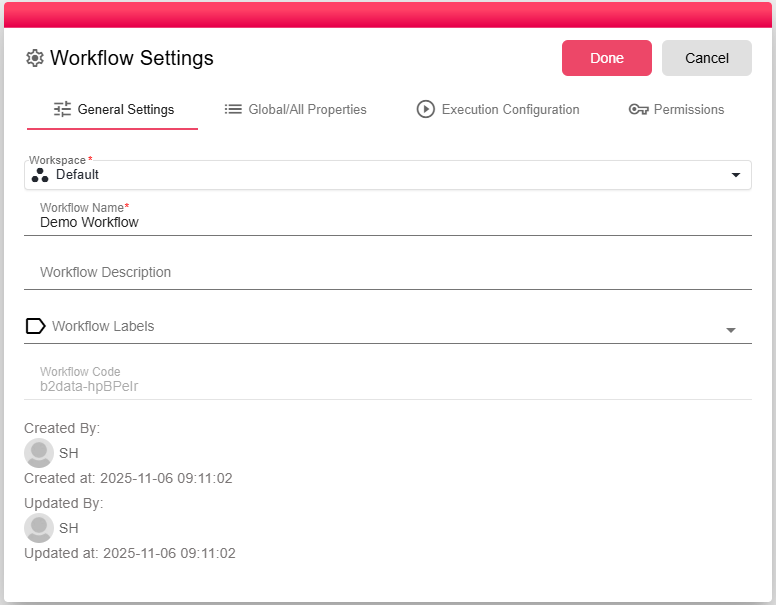
Fields
Workspace
The workspace this workflow belongs to. Workspaces partition workflows, and permissions into separate environments (for example, by department or project). The workspace cannot be changed while the workflow is published. To move it to a different workspace, unpublish the workflow first.
Workflow Name
The display name for the workflow. This name appears:
- In the Workflow Manager development and production lists
- In the workflow runs history
- In the reports library shown to end users (when the workflow is published)
Choose a name that clearly communicates the business purpose of the workflow.
Description
A free-text description of what the workflow does. Visible to developers in the Manager and in this settings dialog. Use it to explain the purpose, data flow, or any important details that other developers should know.