Infor LN Document
Output Management
Take full control of how your Infor LN documents are generated, enhanced, and delivered — with smart rules, dynamic recipients, and multi-channel distribution.
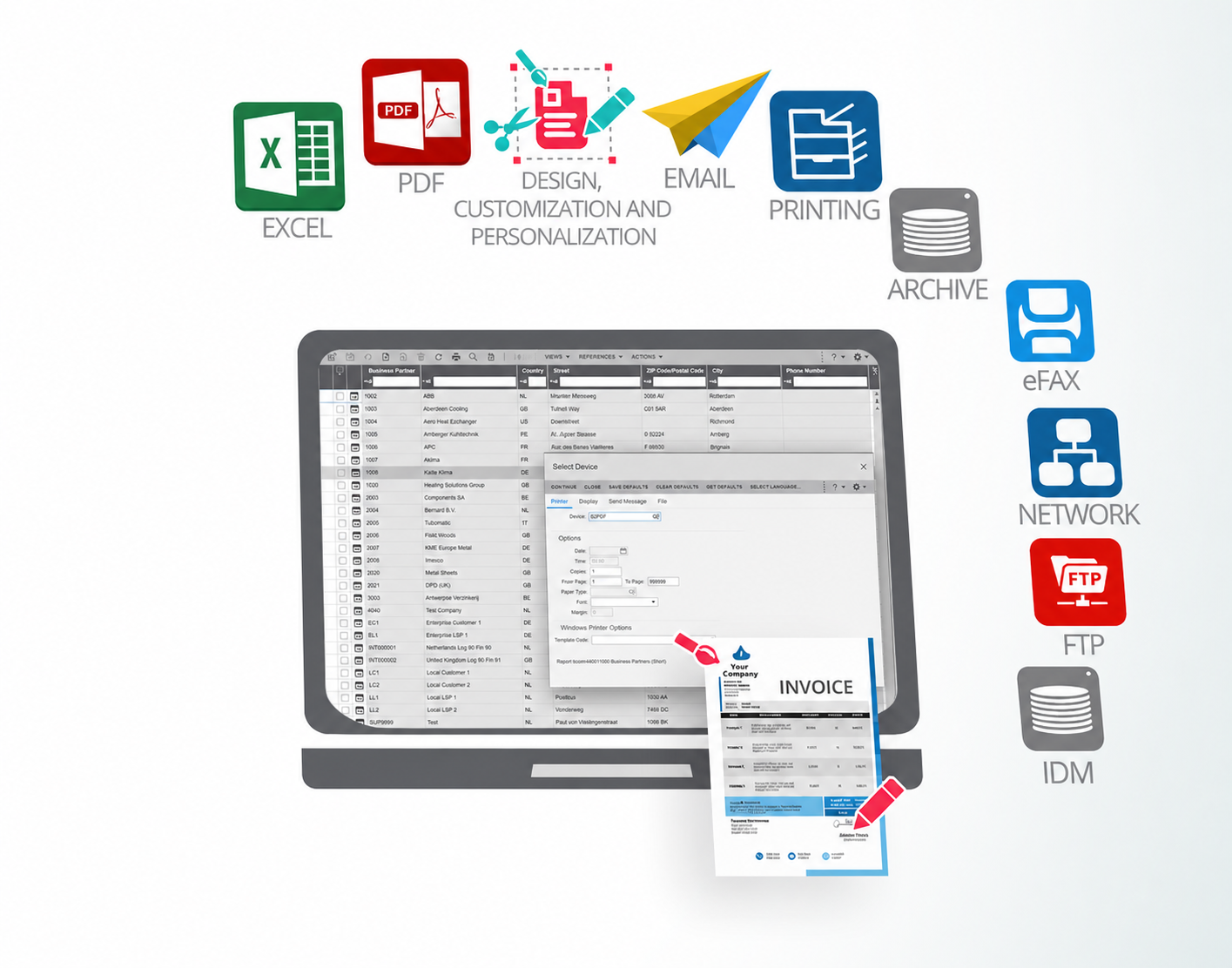
From Simple Printing to Intelligent
Output/Document Processes
Infor LN generates output documents, but often lacks the flexibility organizations need for smart distribution. B2Win Suite routes all LN document output through a low-code workflow platform, giving you rule-based delivery, dynamic e-mail messaging, dynamic attachments, dynamic recipients, multi-channel distribution, and human review (UI), all without complex ERP customization.
Why B2Win Suite
Simple, No-Code Setup
Configure document workflows visually — no complex coding or ERP customization required.
Instant Processing
Documents are processed immediately after printing — no waiting for batch queues.
Give End-Users Control
Empower users to review and change document distribution via email and other channels with ease.
Dynamic Attachment and Delivery
Dispatch documents with dynamic attachments to multiple destinations with combinations of IDM, Sharepoint, Shared Files, API and much more.
Enhanced PDF & Excel Output
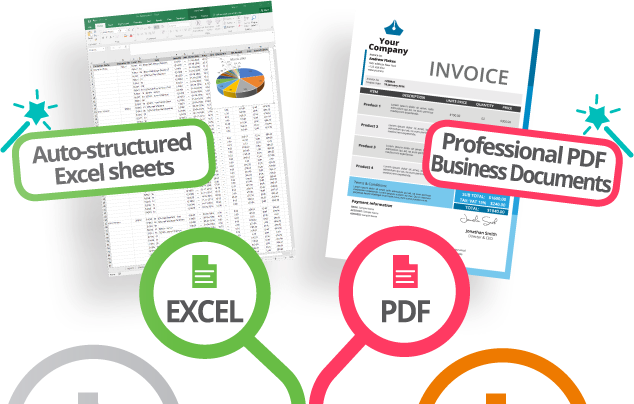
Generate professional PDF and Excel documents based on your Infor Report Designer layouts — then enhance them with branding, security, templates, and additional data. Your existing LN reports become polished, distribution-ready documents.
- Add company logo and branding
- Dynamic background templates
- User signature support
- Secured and encrypted PDF
- PDF/A compliance for archiving
Excel
- Tabular report structure in Excel
- Automated column formatting
- Merge with additional data tables
- Apply Excel templates
No more manual rework — documents are ready to use immediately.
Dynamic Receiver Logic – Send to the Right People
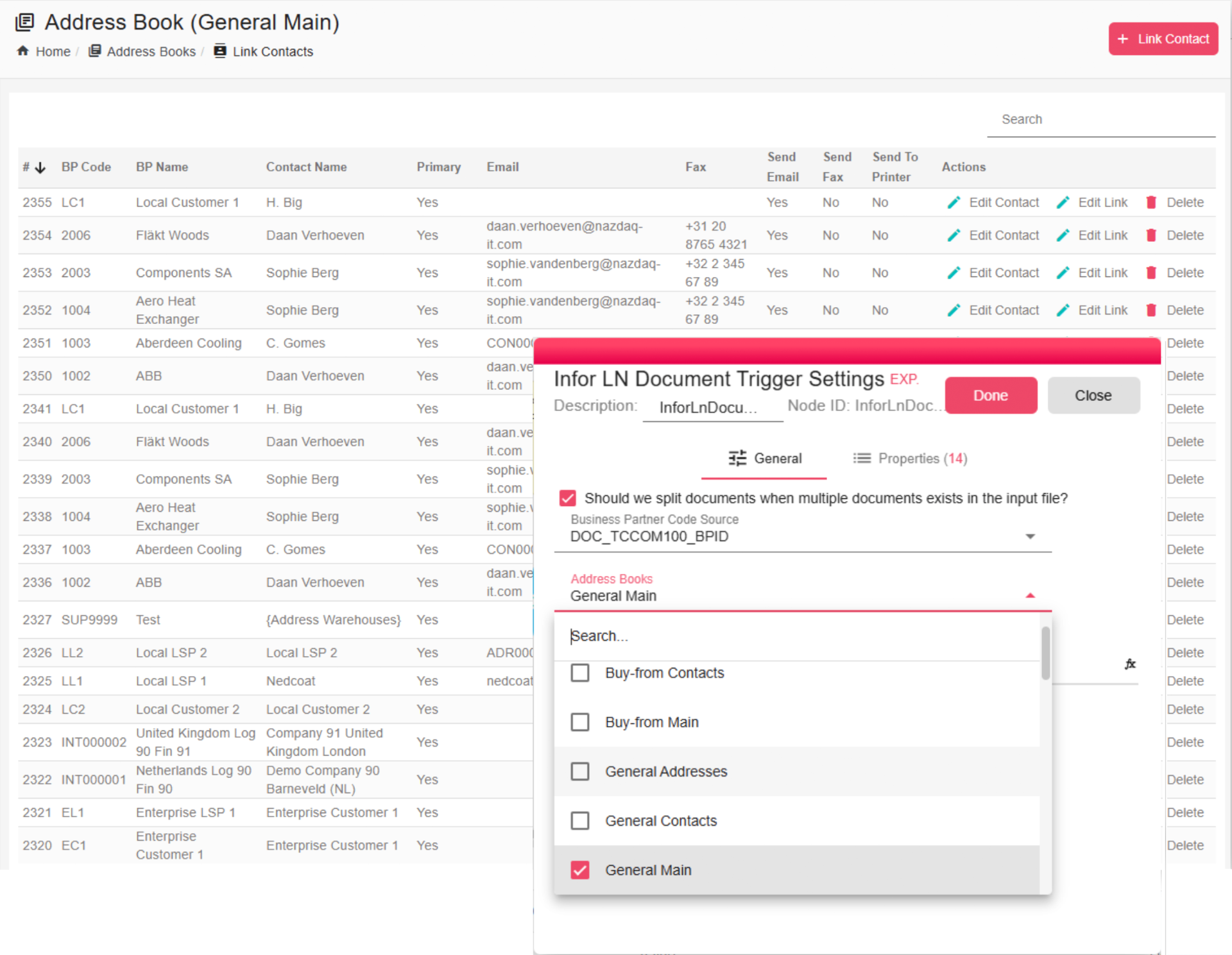
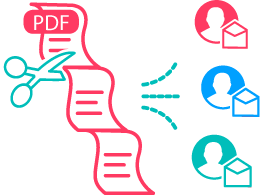
Stop manually managing recipient lists. B2Win Suite automatically determines who should receive each document based on Business Partner roles, contacts, and address books synced directly from Infor LN — and lets non-technical users customize the rules.
- Business Partner, Contact, Buyer, User, or any custom-defined receiver
- Sync all Business Partners, Addresses, Contacts, and Roles from Infor LN
- Select one or multiple address books within the workflow
- Automatically retrieve recipients at runtime based on Business Partner and roles
- Support Infor LN Business Partner roles by contact or address
- Non-technical users can easily customize recipient rules
No hardcoding. No manual selection. Just smart delivery.
Dynamic Attachments – Always the Right Files
Automatically attach the right files to every document — pulled dynamically from IDM, SharePoint, FTP, or other sources. No more manual file hunting or missing attachments.
- Dynamic attachment resolution based on document context
- Flexible, variable-driven attachment naming
- Multi-source support: IDM, SharePoint, FTP, and more
Everything is handled automatically — no manual work needed.
 Infor Print Dialog
Concatenate and Attach from Multiple Sources
ERP Report
3 attachments included
Attachments
Infor Print DialogDistribute to Multiple Channels
ERP Report
3 attachments · 3 channels
Attachments
Distribution Channels
Multiple Destinations – One Process, Many Outputs
Deliver documents to multiple channels in a single workflow. Whether it's email, archive, print, API, IDM, or SharePoint — B2Win Suite routes each document to the right destinations based on your business rules.
- Email, archive, print, API, IDM, SharePoint, and more
- Automatic destination selection based on business conditions
- Route copies to multiple systems simultaneously
One workflow controls all delivery channels.
Review Before Sending – Human in the Loop
Choose between fully automatic delivery or a "human-in-the-loop" mode where users can review documents, adjust recipients, and verify attachments before final distribution — all through a simple, intuitive interface that requires no technical skills.
- Fully automatic or manual distribution modes
- Customize interactive forms per report type
- User-friendly interface — no technical skills needed
- Build report-specific review screens to match your process
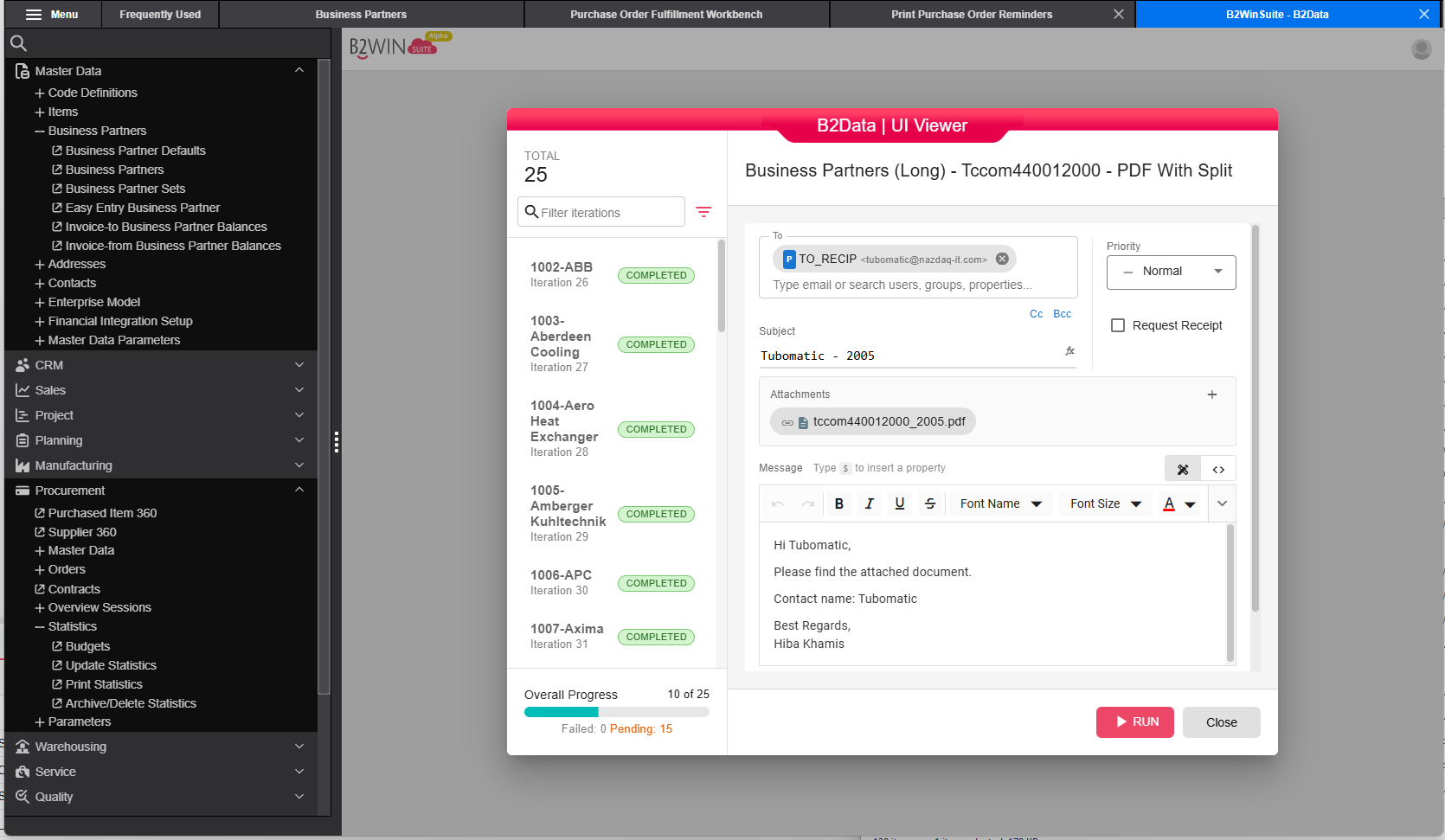
You decide when to automate — and when to control.
Infor Print DialogPre-configured Run / User Controlled
User Has Full Control Over
Review Recipients
Verify & edit who receives the document
Manage Attachments
Add, remove, or replace attached files
Preview Document
View the final output before sending
Distribution Channels
Choose where to send: email, print, archive…
Custom Forms
Report-specific review screens
Workflow Settings
Override rules per document
Key Capabilities
Build report-specific interfaces to match your needs
Fast delivery — processing starts immediately after printing
Full traceability for every document processed
Generate PDF/Excel with exact LN layout and enhance it
Send automatically or use human-in-the-loop when needed
Support Infor LN Business Partner roles and address books
Deliver dynamic, context-aware email messages
Attach documents from multiple sources dynamically
Send to multiple destinations in one flow
Low-code platform — no complicated setup needed
User-friendly interface — no technical skills required
Powered by the B2Win Suite Platform
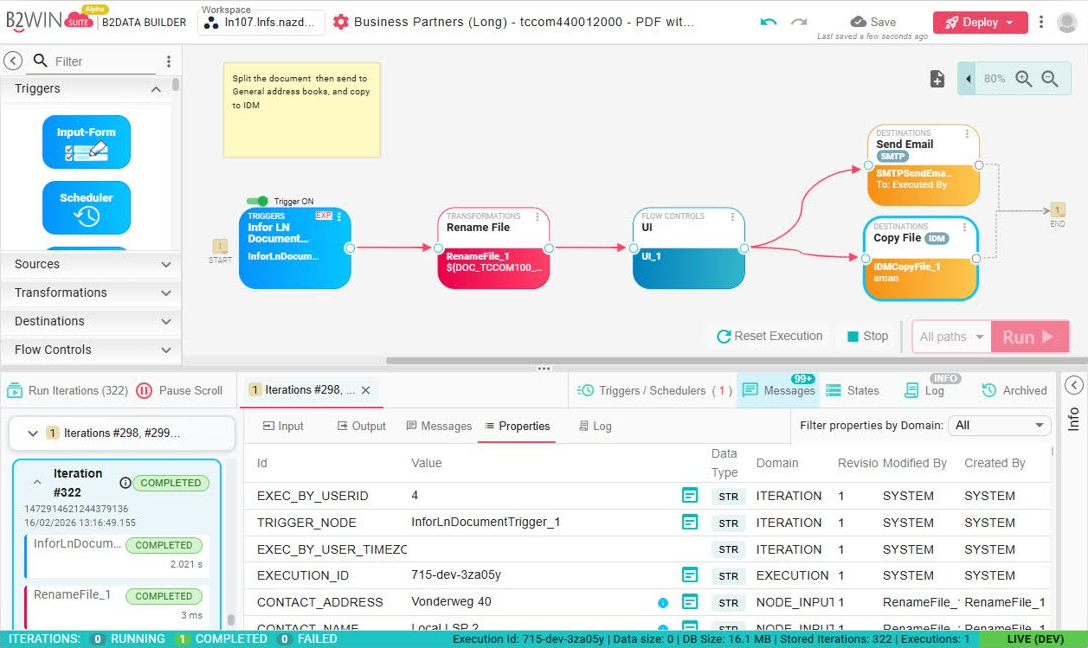
Every solution is built on B2Win Suite – a platform for designing and running data and document workflows.
Because Printing Infor LN output documents runs within this platform, documents can be integrated into broader workflows, enriched with additional data and combined with other documents – while every step is monitored with full traceability and execution control.

The Platform for Data
& Document Automation
Discover B2Win Suite
Discover how B2Win Suite brings replication, reporting, document output, and ETL together in one unified workflow platform — built for modern IT teams, with Infor CloudSuite environments (LN, M3, SyteLine, and more) in mind.