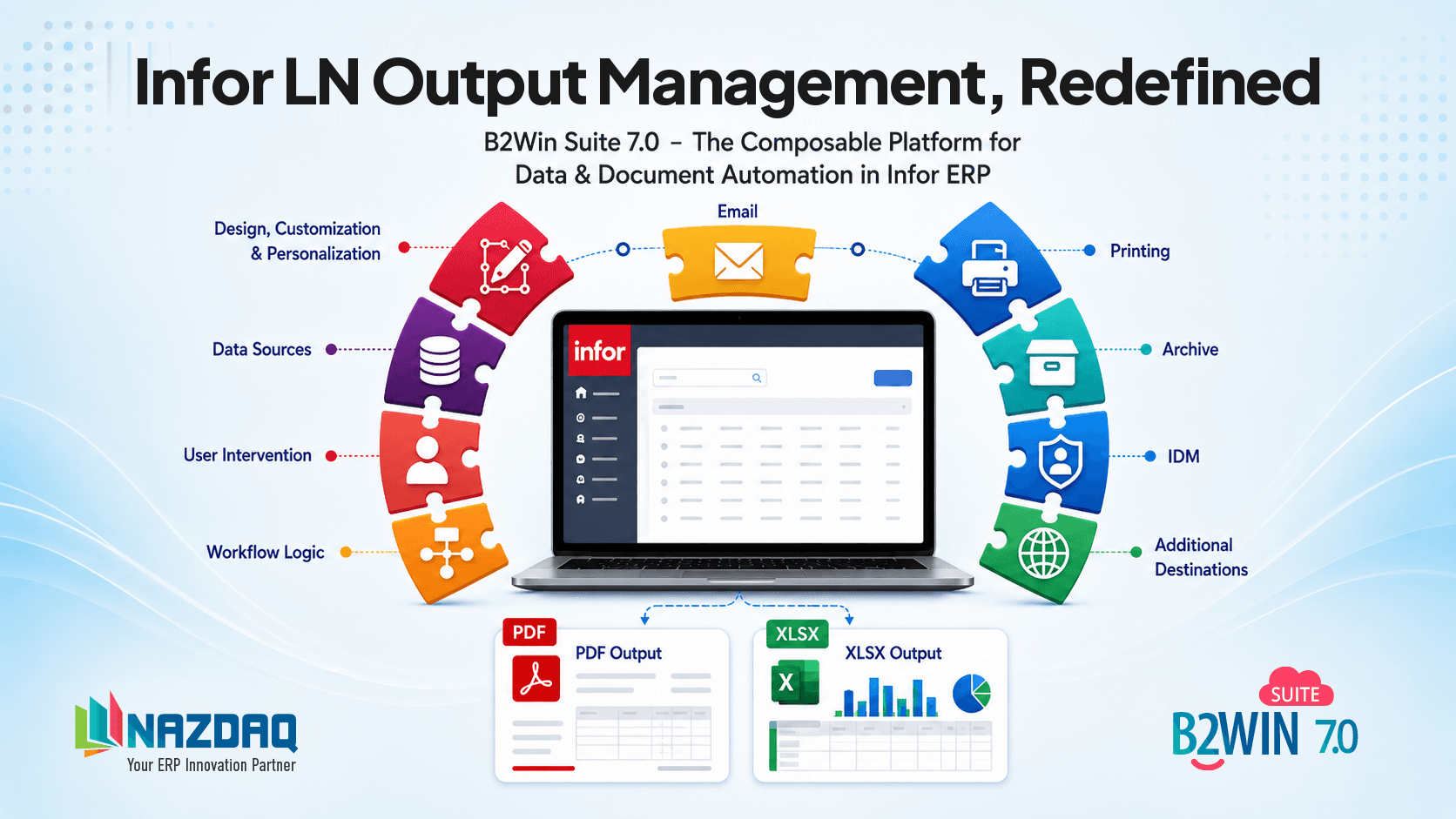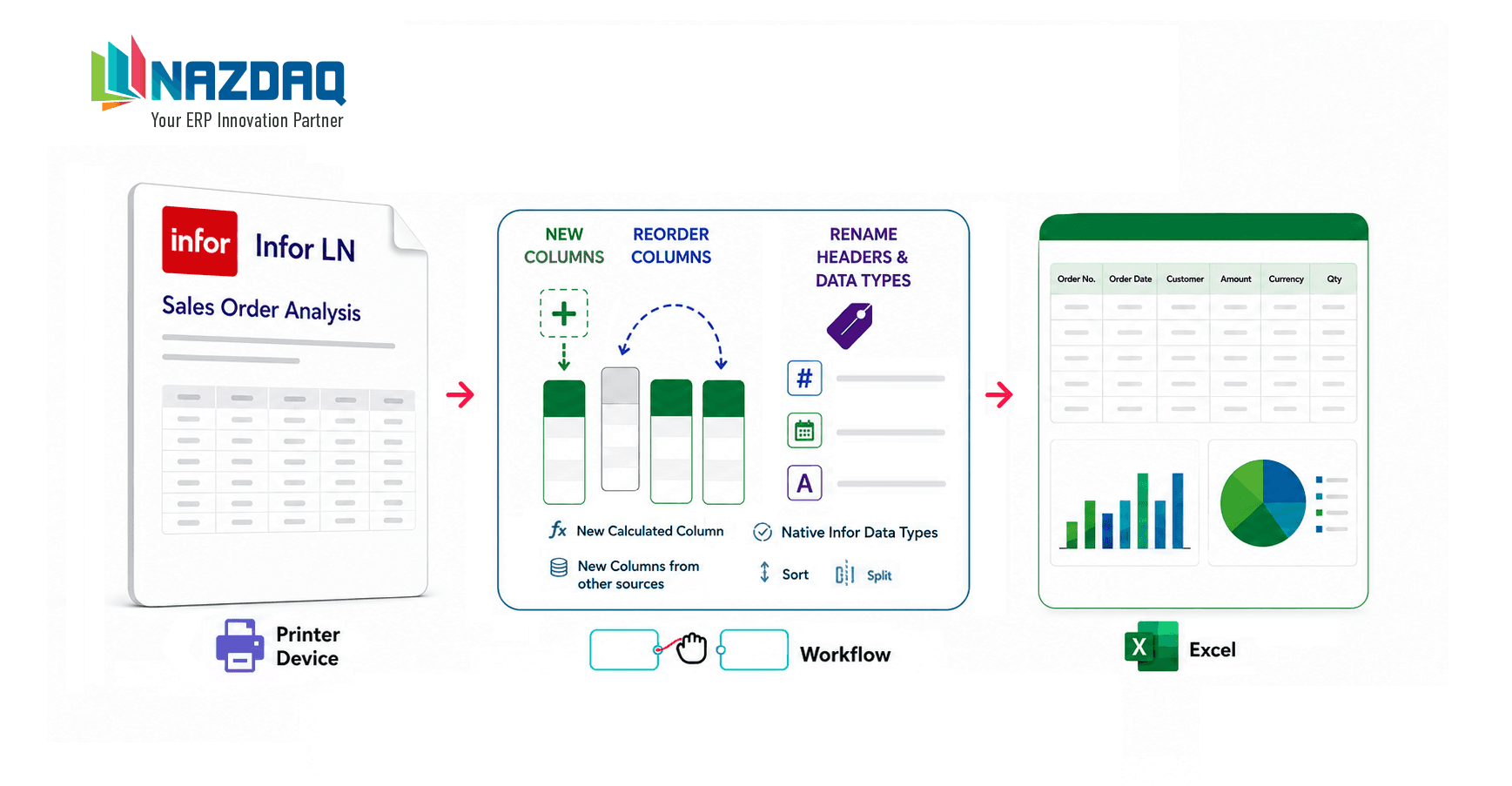
Instead of writing brand new reports, you can add columns to existing reports without touching the ERP system.
You can add two types of fields to an existing report:
- Database variables – Bring a value from a database using an SQL command
- Formulas: Calculate a new field based on other fields
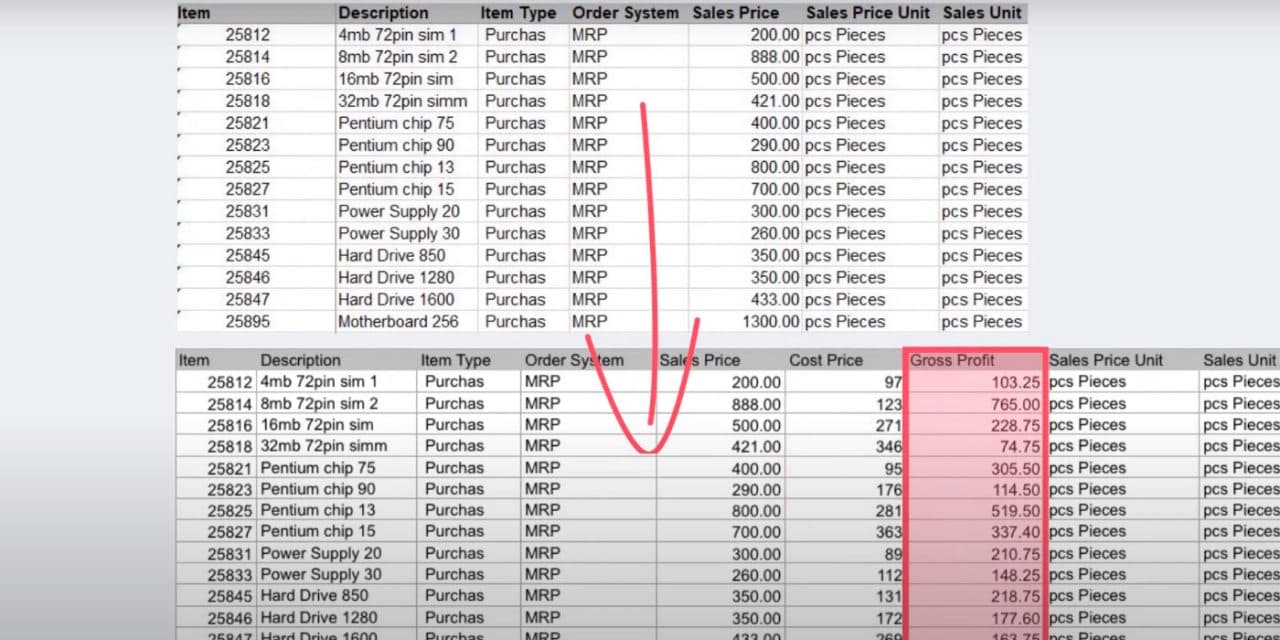
In the following example, we turn “Sales by Item” report to a “Gross Profit by Item” report. We do this by using a database variable to bring the cost price for each item and then calculating the gross profit using a formula based on the sales price divided by the cost price.
The feature of database variables can be very handy. Database variables can be a single field or a calculated field based on different tables. You can add total sales amounts in 2018, 2019 and 2020 to a report with just the item numbers. See how we do it:
Add fields and calculations without modifying the ERP.
About the author

b2winsuite
B2Win Suite Team
Posts authored by the B2Win Suite team.
CategorySolutionsTagsInfor LNReportsSQLFormulas