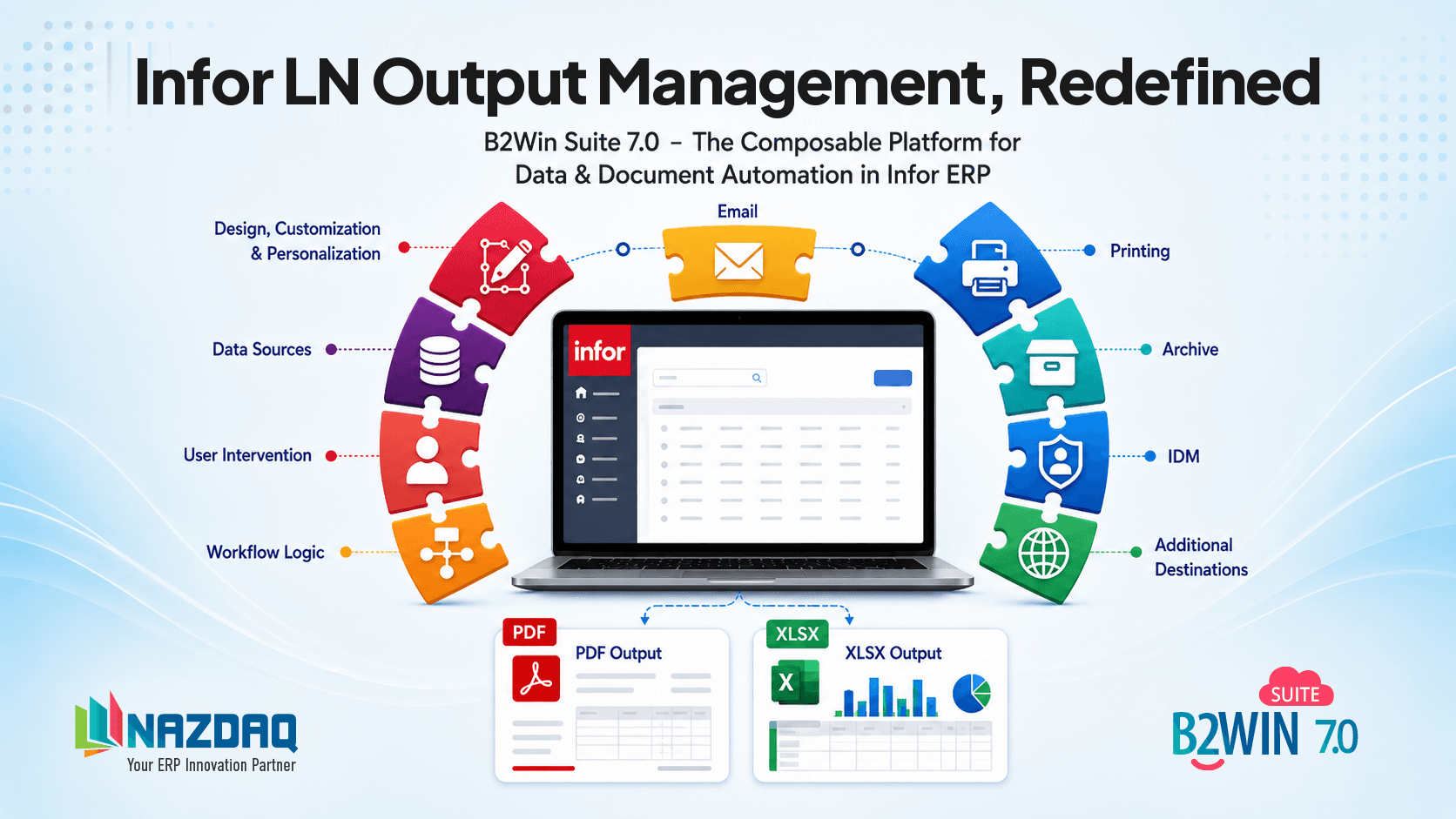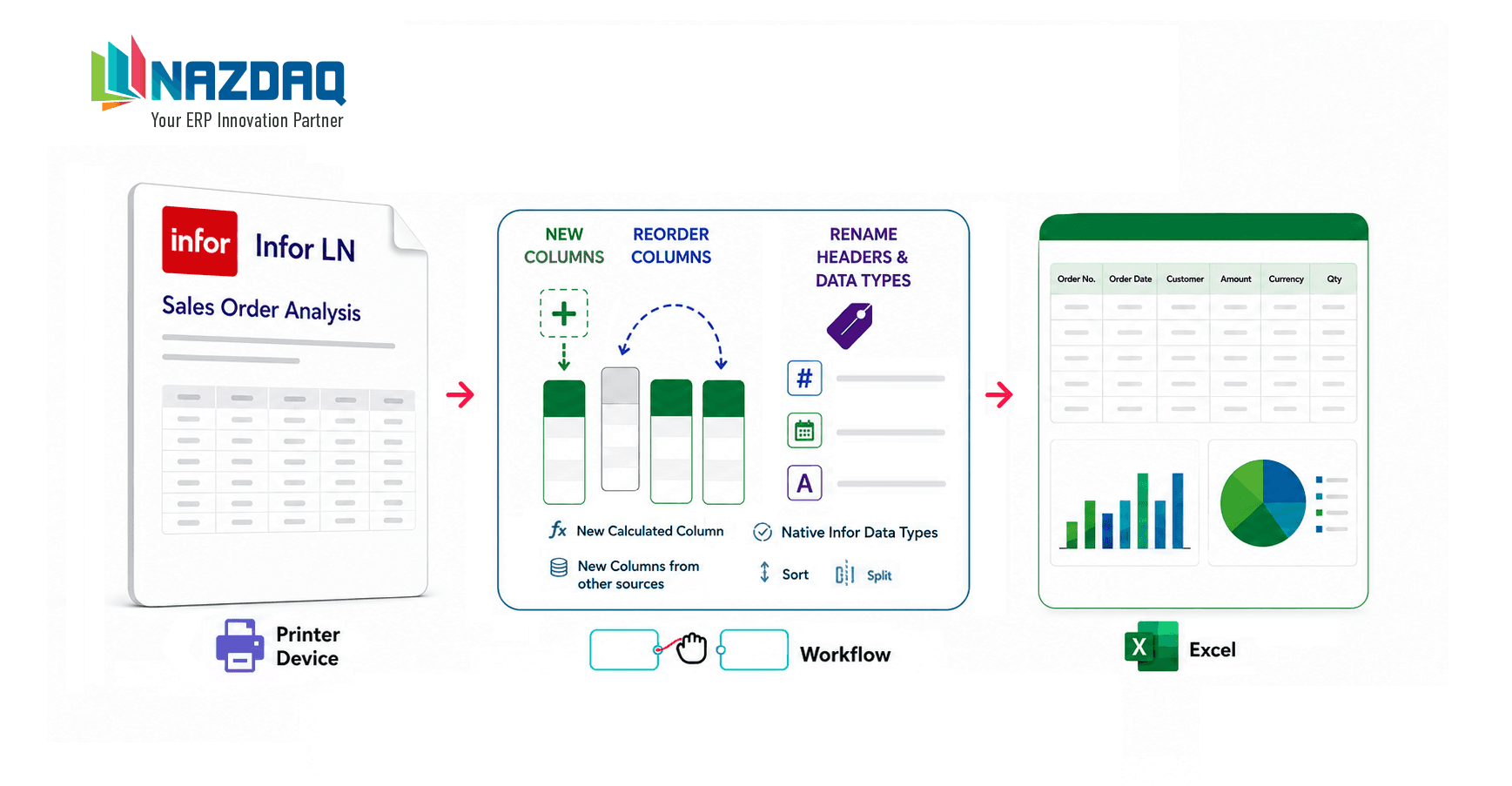
Companies like to have the capability to distribute reports from the ERP system to their customers, suppliers, and internal employees. B2Win Suite allows you to seamlessly automate the process of generating ERP reports and transforming them to the right format (PDF, Excel, and so on) and distributing them.
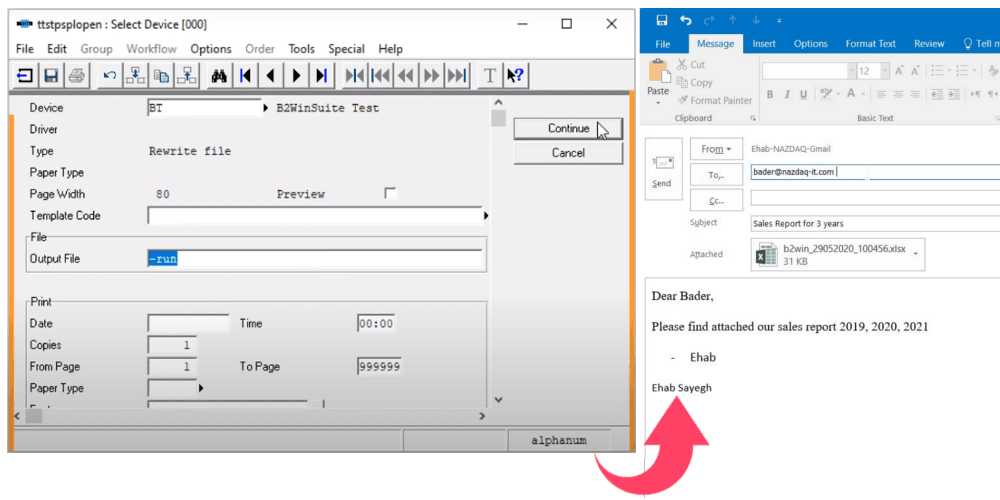
The most common way to distribute documents is through e-mail. With our system, the user can send reports through a pre-defined SMTP connection or use Outlook from the local PC. There are many benefits to use Outlook as it allows the user to trace emails sent in the “sent items” folder. There is more than one way to use Outlook: Sending automatically in the background, or in the open mode where each report opens an Outlook message with all fields filled and information waiting for the user to verify or adjust before manually sending. With B2Win Suite, you can have maximum control over your output.
The following video shows how you can automate sending of reports from the ERP system through Outlook:
Automate ERP report delivery through Outlook with full control.

Adi Mansour
Adi Mansour is a marketing assistant at NAZDAQ, contributing solution write-ups and walkthroughs for B2Win Suite.