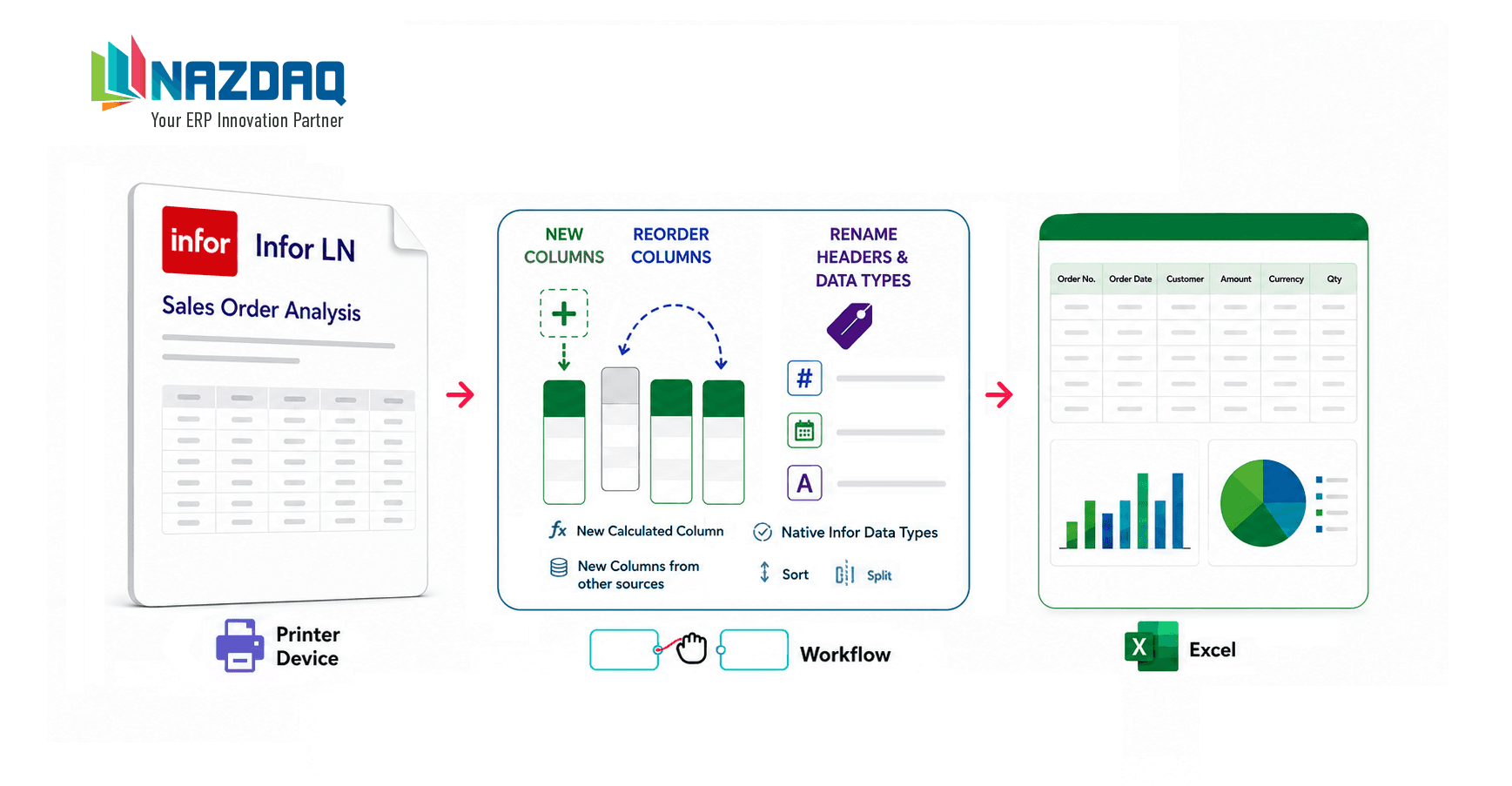
Standard looking reports convert automatically to Excel, although some reports are not as standard.
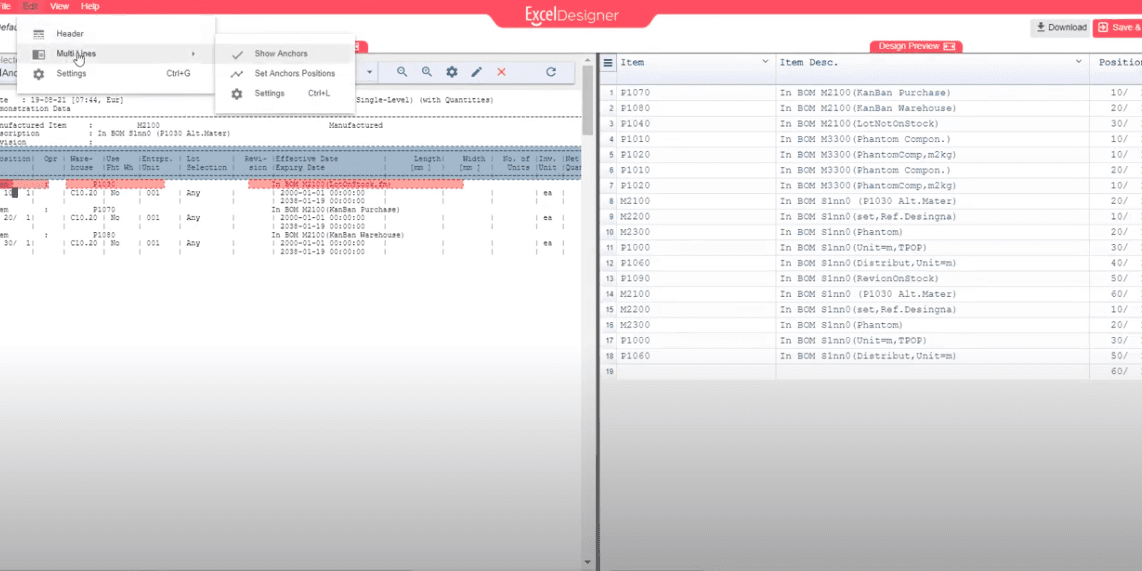
If the report has multi-line data, you need to use B2Design before you can convert it to Excel.
The following video presents an example of running a “Bill of Material” report that has floating headers and includes multi-lines and how it can be designed before converting it to Excel format.
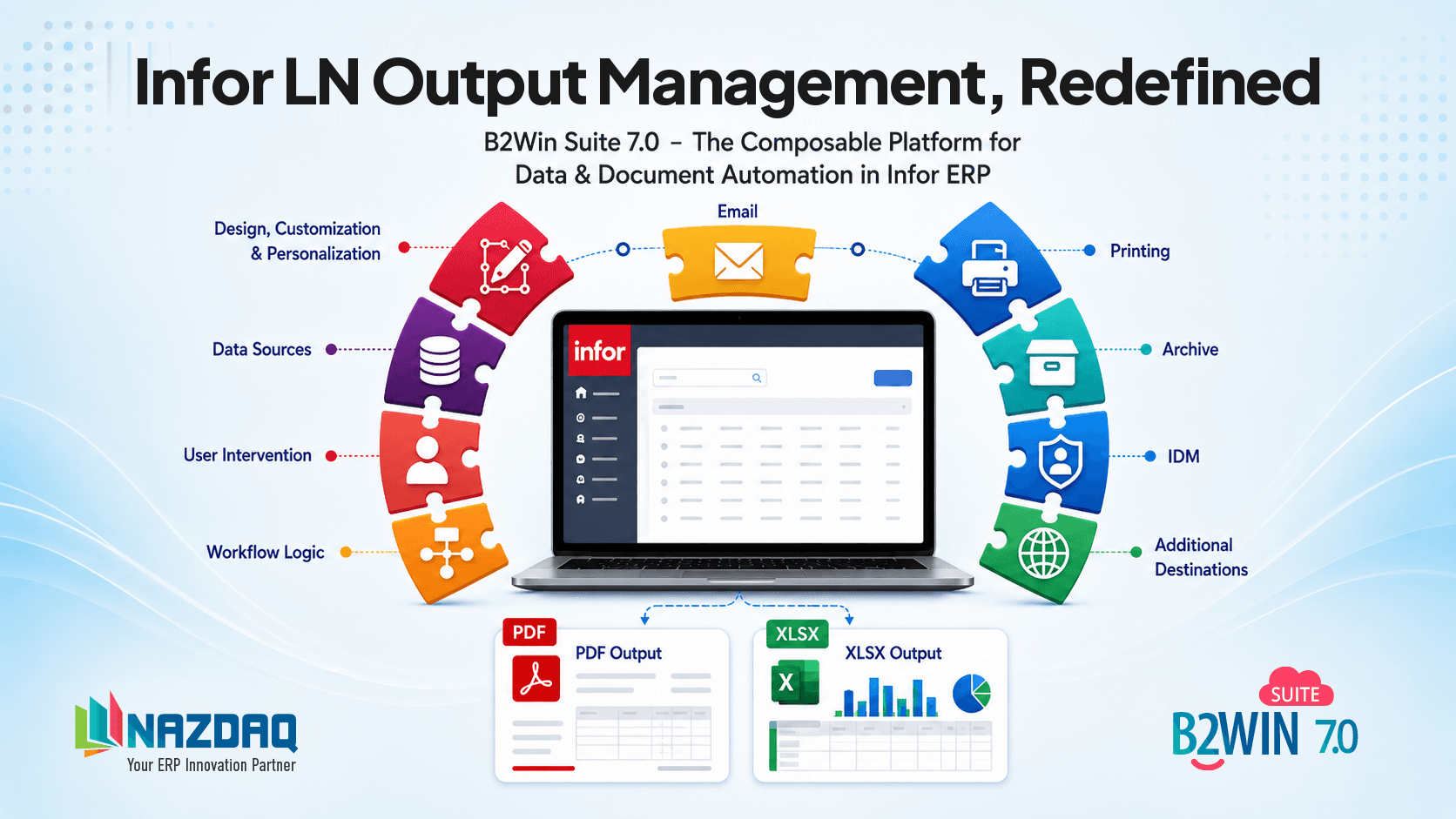
By creating a design template using B2Design, you can instantly apply that template to all users seamlessly. With one-click, B2Win Suite can automatically convert any report at hand to Excel format.
See how B2Win Suite handles multi-line ERP reports.

Adi Mansour
Adi Mansour is a marketing assistant at NAZDAQ, contributing solution write-ups and walkthroughs for B2Win Suite.