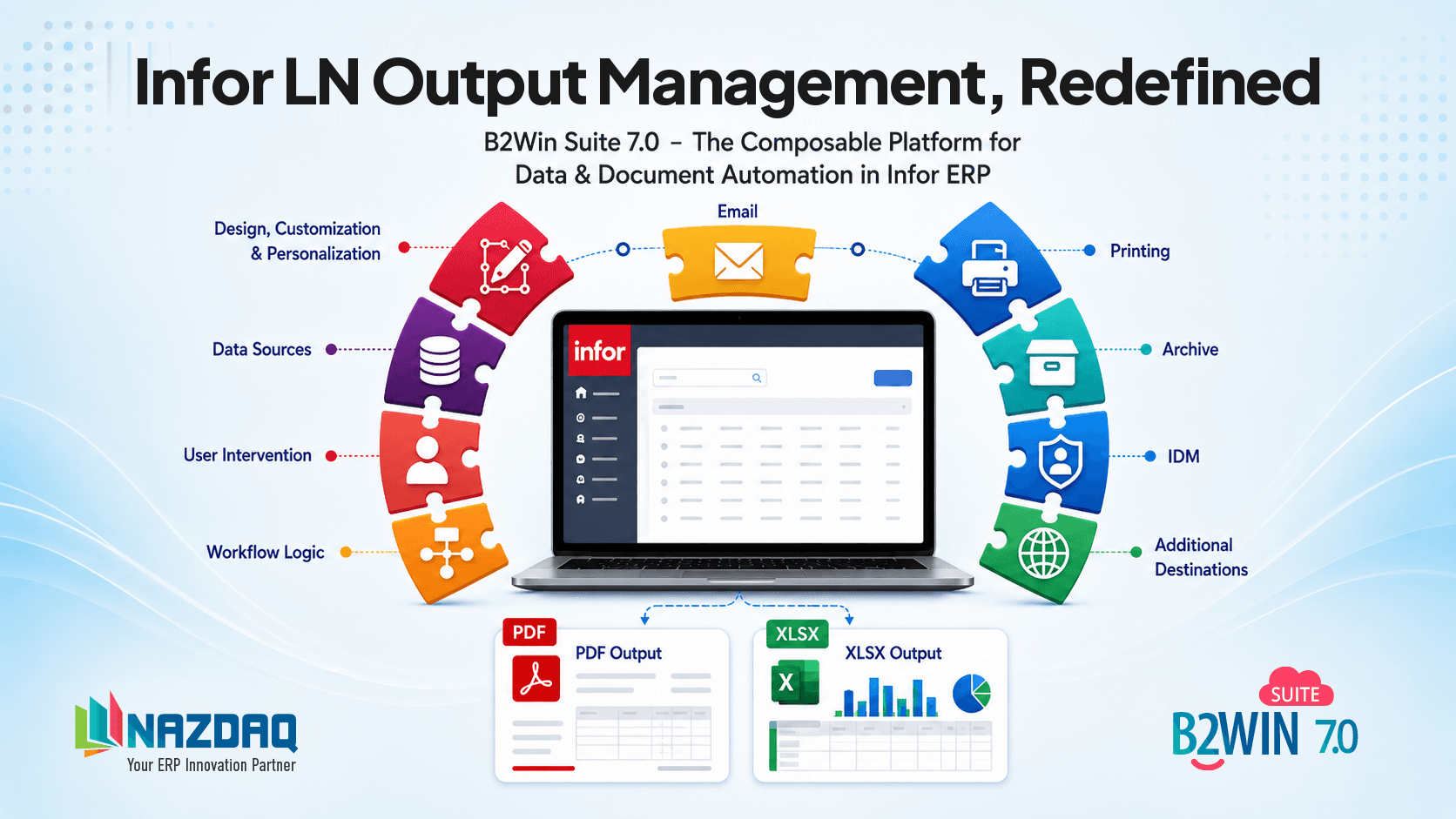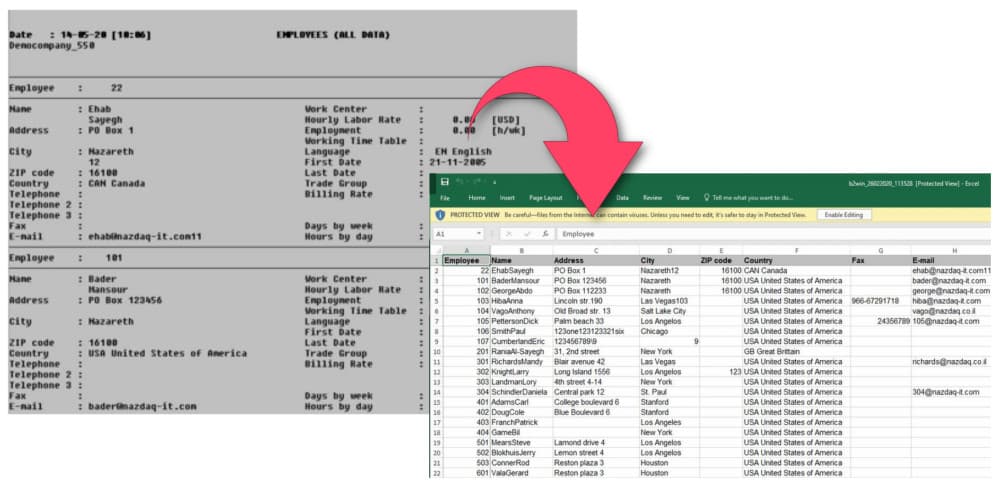
There is a known limitation in Infor LN and Baan when it comes to reports with a large number of columns. As a result, the ERP system provides canned reports with data spread in rows instead of columns, with one value per line and not the familiar tabular format.
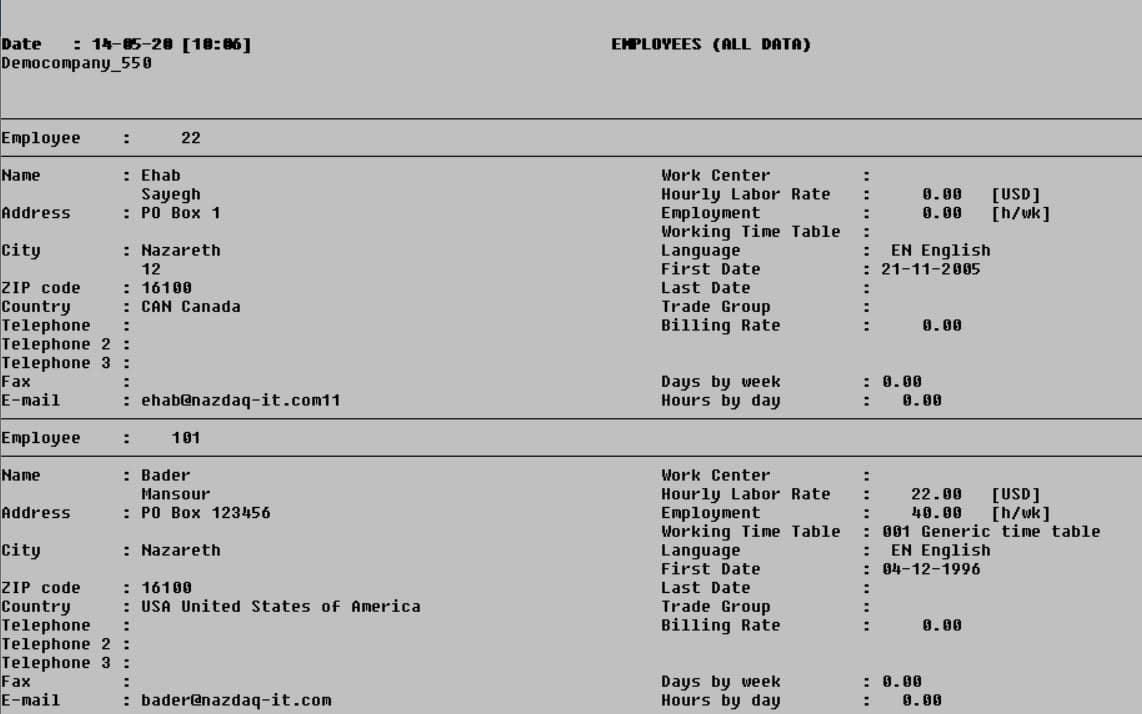
Transposing rows to columns
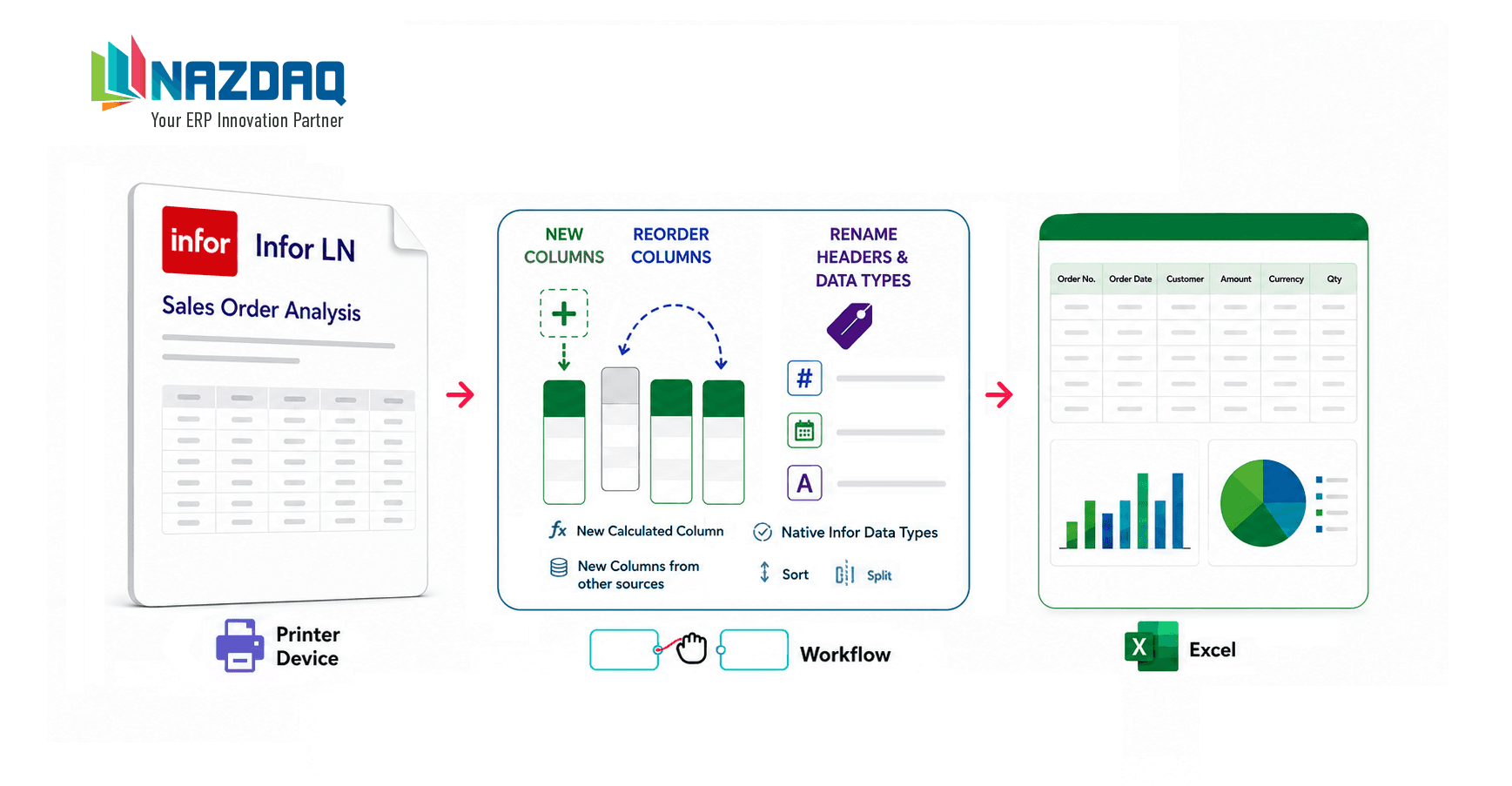
B2Win Suite allows you to convert such reports into a structured Excel sheet. See how you can create a design template and automate the process:
Turn row-based ERP output into clean tabular Excel sheets.
About the author

b2winsuite
B2Win Suite Team
Posts authored by the B2Win Suite team.
CategorySolutionsTagsInfor LNBaanExcelTranspose