In a world where almost everything is becoming more accessible, practical, and good-looking, you better catch up. Your company may provide the best construction material in the country, but does your company image also portray that? If you stop, look, and ask, you will find that many factors you consider “secondary” are, in fact, more primary than ever to your company’s professional image.
Let’s talk about customer-facing documents.
Whether those were your purchase orders, employees’ monthly salaries, or company contracts, such documents are produced by your company and thus considered your products as well! The quality of your documents has to align with your product quality.
Why?
People tend to associate the visual representation of a product, company, or organization with its services or products’ quality and level of professionalism.
High-quality design = Professional company
Low-quality design/ no design = Less professional company
What you can tell the world and how it responds
There is a lot to tell the world about through your documents:
- Highlight your values
Documents contribute to forming the visual representation of your company’s values and care towards clients and employees. For example, including quotes and testimonials in your documents helps reflect your company’s vision, mission, and customer satisfaction.
- Set the tone
A unique and consistent style of your documents emphasizes your identity and credibility — helping you stand out in your field of expertise. Your unique formatting (e.g. font, size) communicates particular tones to readers. Different backgrounds and colors also express certain attitudes. Through such communicative factors, you can emphasize your identity with each document.
- Build a personal relationship between your company and the clients
We all receive documents from various organizations and companies. However, we sometimes feel slightly better at the sight of receiving papers from company A than B. Why? One main reason is simply personalization . When a form is personalized, the reader feels like it’s more relevant to their needs/ interests and might even be curious to open the file each time they receive it. By personalizing your documents, you are expressing your interest in theirs and increasing your customer satisfaction.
Your document production and its benefit to your performance
Document production is as important as document design. What good would an excellent document bring if it was finished and sent to the relevant parties after the deadline? In other words, your documents need to be accessible on-demand while still having your unique design applied to them.
Solution? Production Automation.
For production automation, you would need a special program that prints documents on-demand with each of their unique templates. The solutions out there are plenty, but they vary. Some only allow you to design and organize data that’s already on your ERP report, some do not connect to your ERP and require you to fill in data manually, and some others are too complicated for use… Aware of the need for a tool that would enhance your professional company image, automate your document production, and increase customer satisfaction, we built the PDF Designer of B2Win Suite.
Our Solution
What is a PDF Designer?
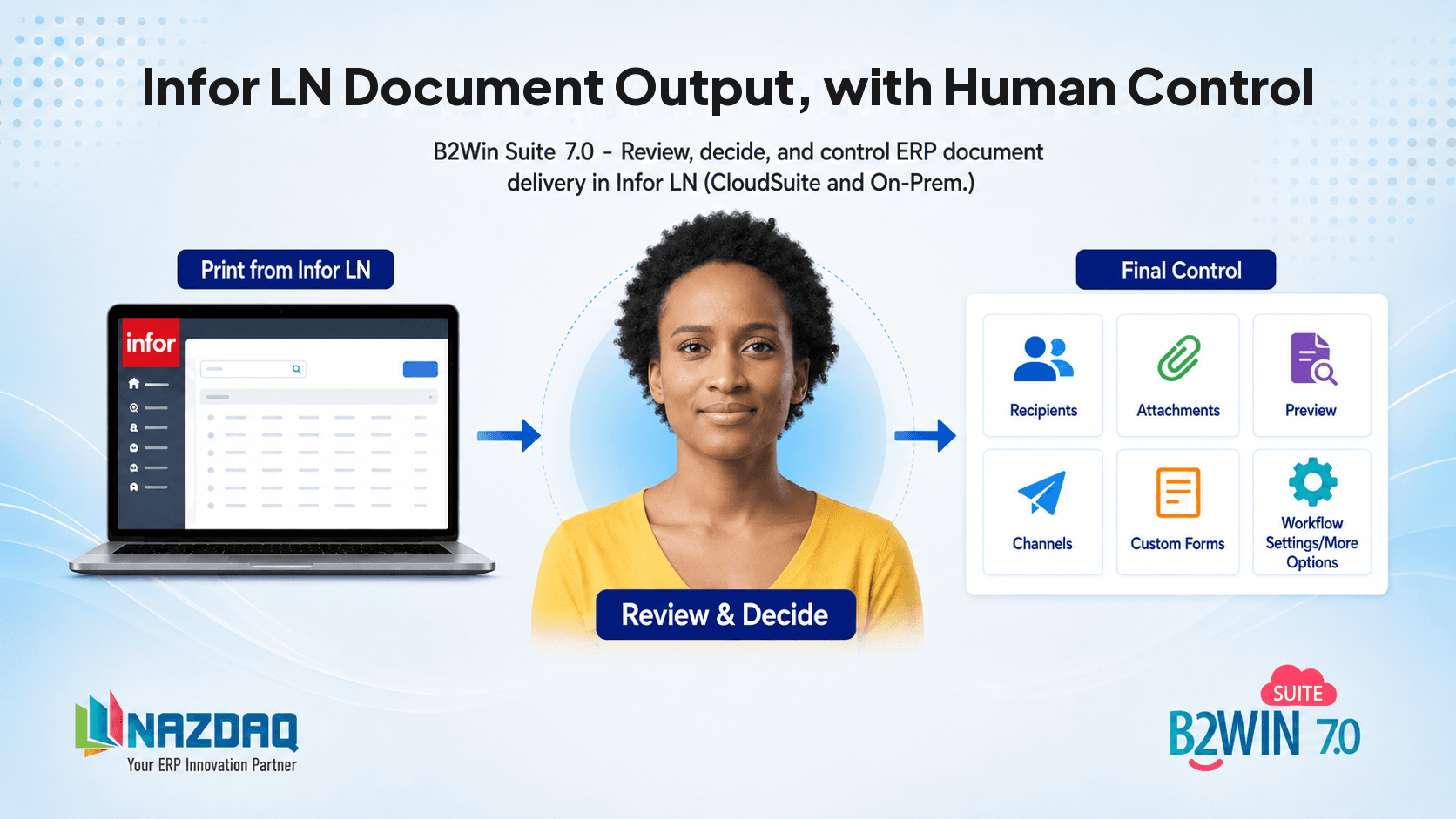
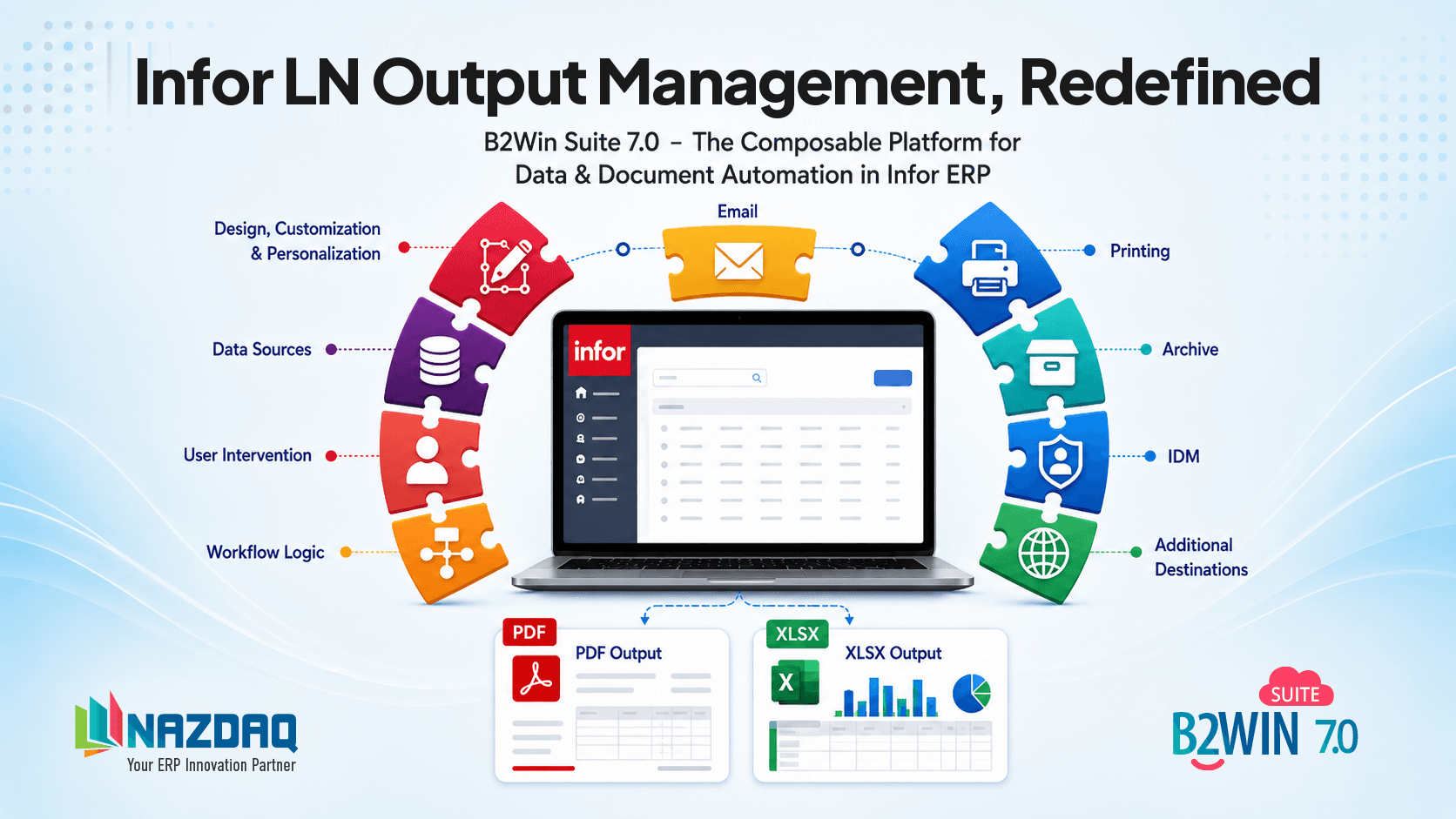
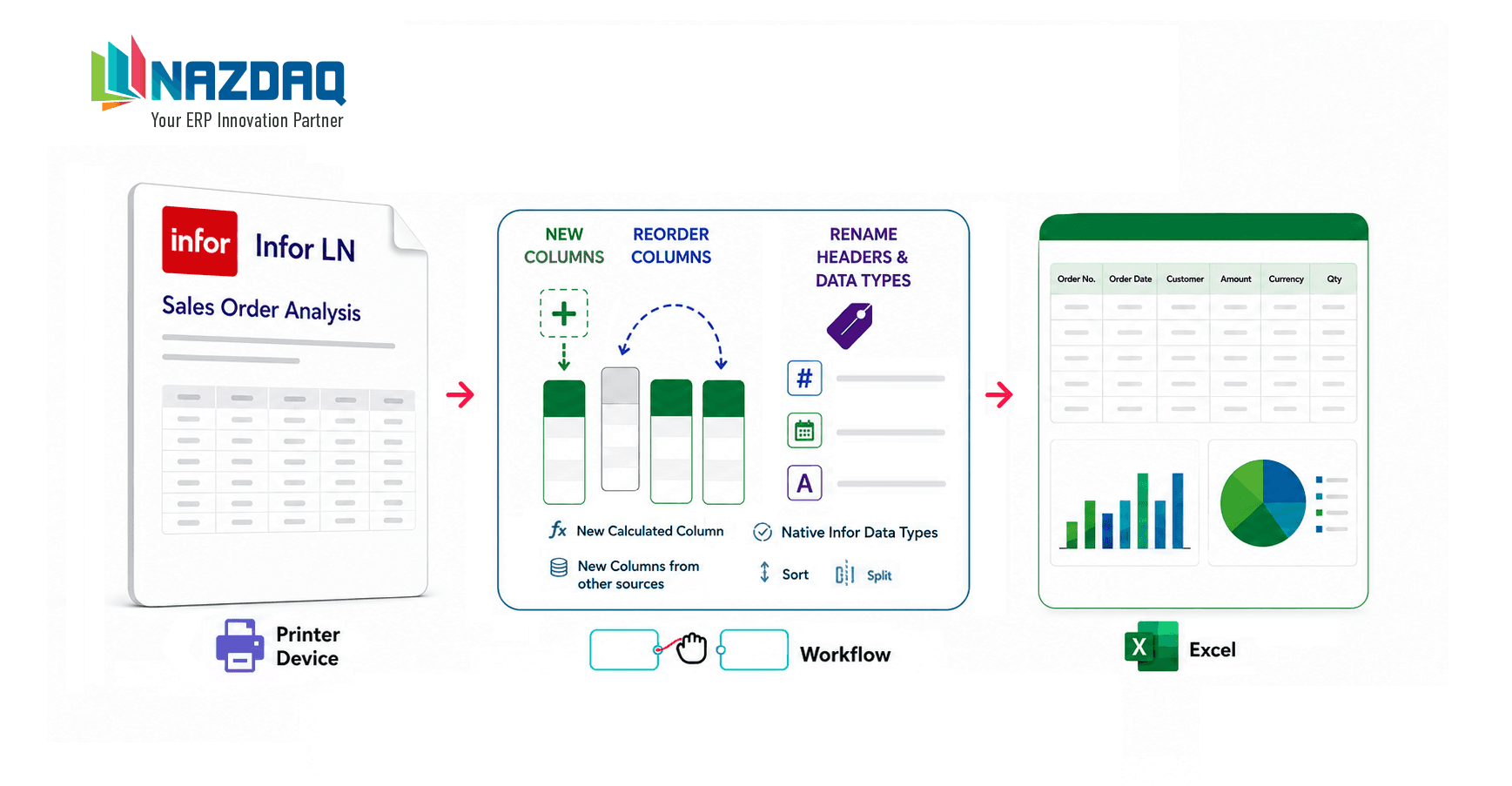
We offer B2Win Suite (link) which is an innovative platform that allows you to design, customize and distribute your ERP output. Design is done through the PDF designer (link) that allows you to produce professionally designed documents from your ERP system.
You can do that whether you are preparing invoices, packing slips, purchase orders and quotes.
PDF Designer is an application within B2Win Suite, and it will become your documents’ new best friend. It offers you the best and easiest features out there in a packaged all-in-one tool! We make the customization and automation process simple and quick to save you both time and money in the long run.
PDF Designer offers the following features for your PDF Document:
- Formatting
Emphasize your company’s identity by setting a default style to your documents (e.g. font, size, color).
- Backgrounds
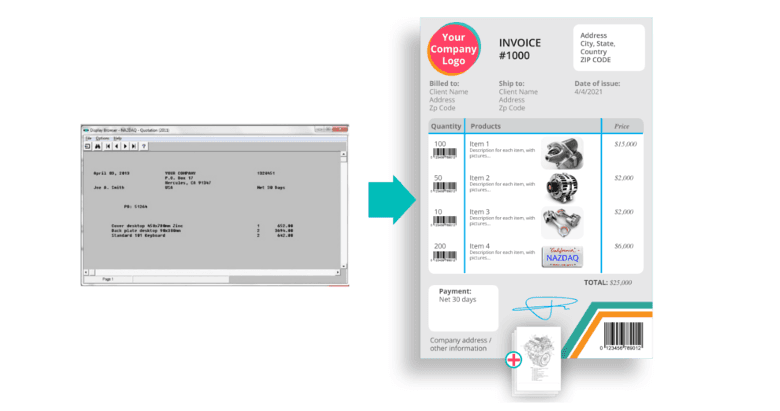
You can get background overlays from your marketing department for each document (e.g., packing slip, invoice) and get your ERP data to print on top of it. Depending on the length of your document and if you have multiple page documents, you can use a different background for every page: First, Middle, Last, or Only Page.
- Include your Terms & Conditions
If you like to include your terms and conditions as part of the document being sent, with B2Win Suite you can automatically concatenate these terms to your documents based on predefined rules, and guarantee your documents include everything you need.
- Logos
Demonstrate the professional image of your company by adding your logo to your documents. If you have more than one subsidiary with a different logo for each one, you can still have the same document design but a different logo per subsidiary.
- Additional Data – Free Text
Add free text not found on your ERP reports to your documents.
- Additional Data – from Database
Sometimes you do not have everything you need on the document and it may require a customization to add additional data. With B2Win Suite you can easily add additional data not found on your ERP reports and include it in your documents. B2Win Suite can use “database variables” to search for additional fields based on a key that appears on the document.
- Barcodes
Barcodes are an important part of modern documents and a requirement in many types of documents for easy processing using Barcode readers. With B2Win Suite you can Include different barcodes. Barcodes are an important part of modern documents and a requirement in many types of documents for easy processing using Barcode readers. With B2Win Suite you can include different types of barcodes including QR Code.
- Photos
If you like to go really fancy with your documents, you can add photos for different items. As an example, you can add a photo per product on your sales order/ purchase order.
- Signatures
Confirm and validate your documents by adding a signature. If your process requires multiple signatures, we have a full and easy approval process based on different rules.
Think about how user-friendly you will be if your customers could scan their QR codes and access them on their handy devices; or how much more efficient it will be for them to quickly review their purchase orders by scanning the item’s pictures in a few seconds instead of remembering the specific name of each item.
B2Win’s features altogether are the building blocks of your professional company image and both customer and employee satisfaction.
Invest in your documents now.
Invest in your success.
Summary
Customer-facing documents are part of your brand. Plain, text-only output from Infor LN or Baan undermines the quality of the products and service behind them.
B2Win Suite lets you produce polished, branded PDFs—invoices, order confirmations, packing slips, and more—directly from your existing ERP reports, with logos, layout, and styling that match the rest of your customer experience.
Want polished, branded documents straight from Infor LN / Baan?

Malak Lahham
Malak Lahham contributes content and solution write-ups for NAZDAQ, focused on practical Infor LN/Baan use cases.