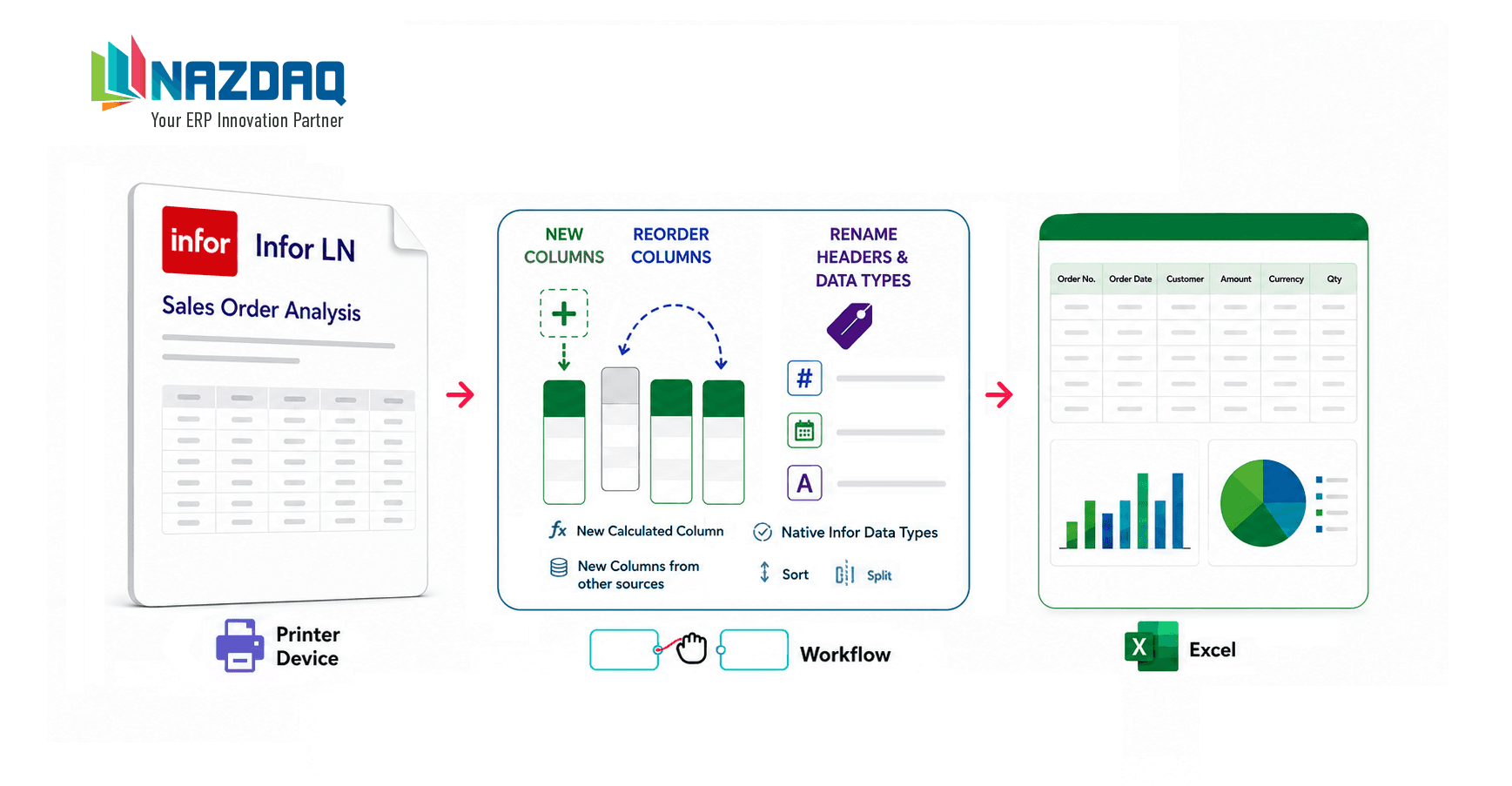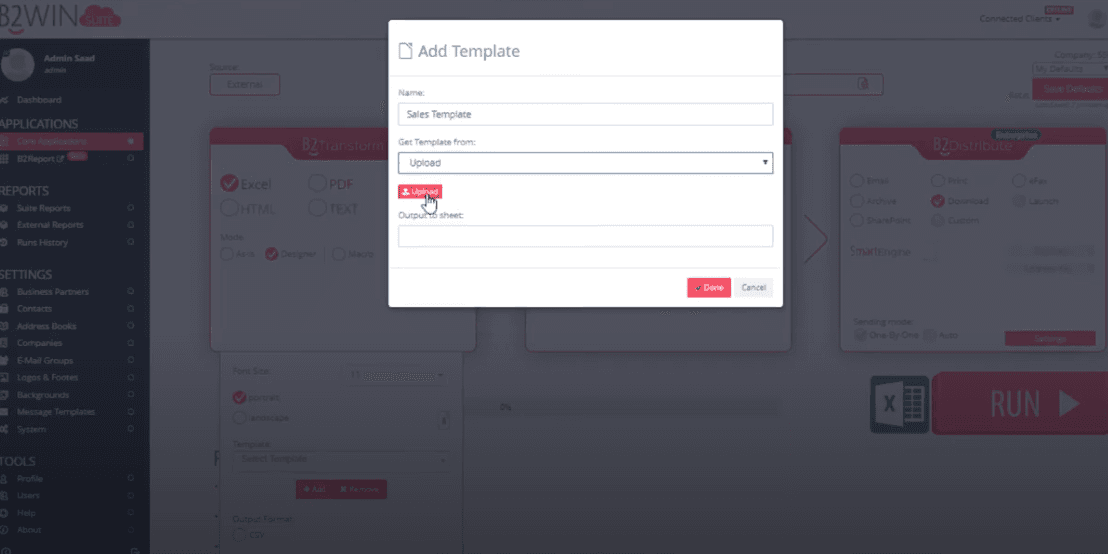
By default, conversion to Excel generates a fresh Excel file, however, you have the option to send a report into an existing Excel template.
This is an example of how this can be carried out. The ERP data is sent to one sheet, and the rest of the sheets that have graphs and tables will be automatically calculated from the report data.
Every time you print this report with these same settings & template, you automatically get a rich Excel file with different ways to look at your data.
Merge ERP data into your own Excel templates automatically.
About the author

Adi Mansour
Marketing Assistant
Adi Mansour is a marketing assistant at NAZDAQ, contributing solution write-ups and walkthroughs for B2Win Suite.
CategorySolutionsTagsInfor LNExcelTemplates